
1. Introduction
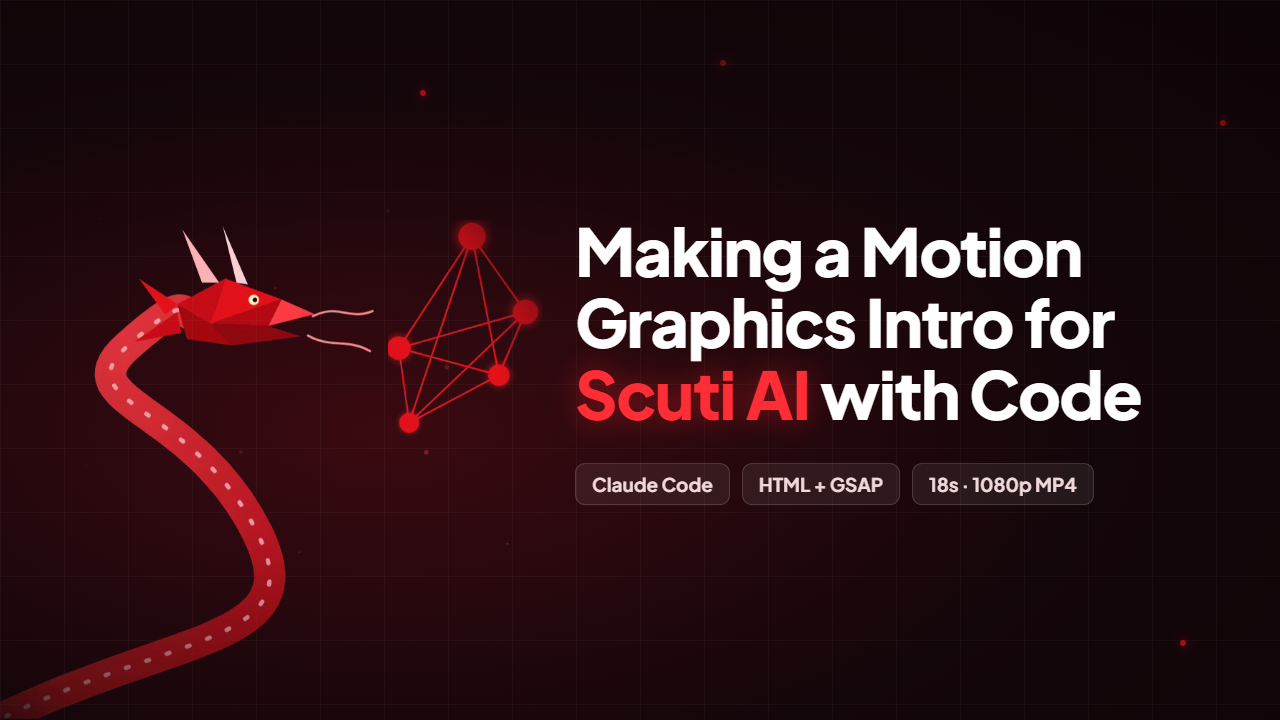
This post shows how I made an 18-second intro video for Scuti AI with Claude Code. The idea comes from “how to run an ai video agency (FULL GUIDE)” by Chris (@everestchris6) on X: motion graphics can be “written as code”. The AI writes the text, motion and transitions in HTML + GSAP, then every frame is rendered into an MP4. No After Effects needed.
The process has 3 steps: storyboard → build → critic. In the critic step, a fresh agent that never saw the build reviews the video. I turned each step into one prompt:
Plan an 18-second intro video for Scuti AI (facts only from scuti.asia). – Write a storyboard shot by shot: what’s on screen, what moves, how long it holds, how it gets to the next shot. – One object carries the story across all shots: the 5-node red network from the Scuti AI logo. – No empty frames. Don’t invent testimonials, ratings, prices or results.
Build the storyboard as a single HTML page (1920×1080, GSAP 3). – ONE paused master timeline + window.seekTo(t), so it can be previewed in the browser and rendered frame by frame. – Motion rules: the thing in front becomes the transition; one main movement with smaller overlapping ones; hold to read -> leave fast (power3.in) -> arrive slow (expo.out). – Add a preview bar (play / pause / scrub).
You’re reviewing a video you did not build. Be honest. – Here are timestamped contact sheets, the brief and the motion rules. – List every problem, biggest first, each with a time in the video: empty frames, shots that hold too long, text that collides, text visible too early.
2. Result: the Scuti AI intro video
18 s · 1920×1080 · 30 fps · background music
| Shot | Time | Content |
|---|---|---|
| 1 | 0 – 3.9s | The red 5-node network draws in + “We make services people love” |
| 2 | 3.9 – 6s | Network flies into the camera → “by the power of Gen AI.” |
| 3 | 6 – 9.75s | 5 services fly out from the network centre |
| 4 | 9.75 – 12.5s | Numbers: 2015 · 400+ · 300+ · 6 |
| 5 | 12.5 – 18s | The red dragon swoops in, logo + tagline + scuti.asia |
3. The method in 4 steps

| Tool | What it does |
|---|---|
| Claude Code (Claude Opus 5.5) | Writes the storyboard and the animation code, and calls a fresh agent as the critic |
| HTML/CSS + GSAP 3 | “Video as code”: one GSAP timeline you can jump to any second |
| Motion Studio (a local web page) | Where you work: storyboard, preview, contact sheet, render button |
| Chrome + ffmpeg | Jump to every frame, capture it in Full HD, assemble the MP4 with background music |
4. Step-by-step demo
Run python studio/studio_server.py and open http://localhost:8766/studio/ in Chrome.
4.1. Open Motion Studio
The 5-shot storyboard is on the left; the two remaining jobs, critic review and MP4 render, are on the right.
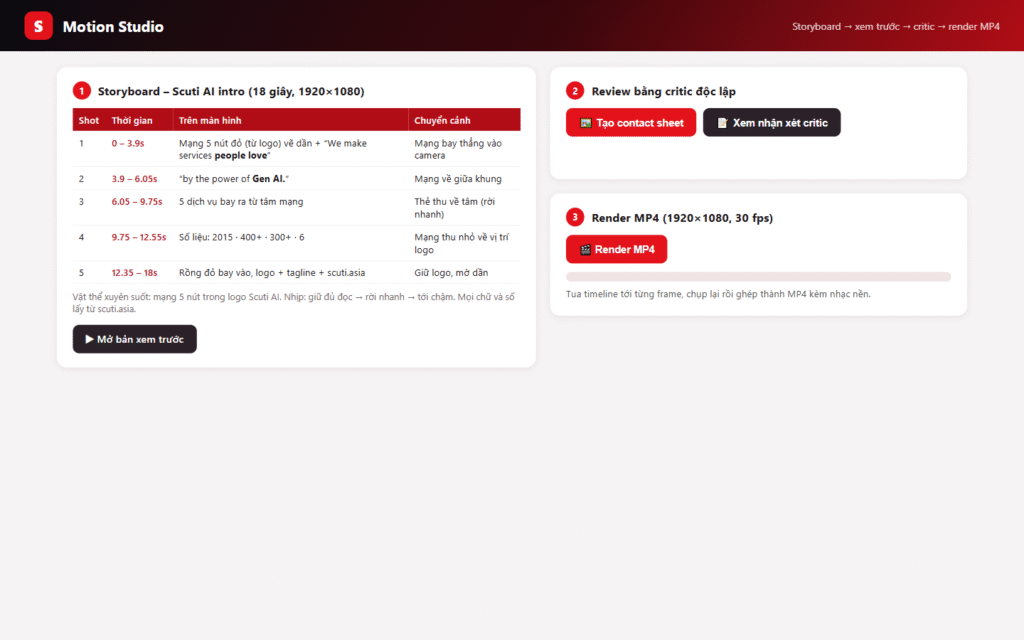
Motion Studio with the 5-shot storyboard
4.2. Preview
Click “▶ Mở bản xem trước”: the animation plays in Chrome and you can scrub the timeline. Edit code → F5 → look again.

Shot 1 in the preview
4.3. Contact sheet and critic
Click “🖼️ Tạo contact sheet” to tile 8 timestamped frames for a fresh agent that never saw the build (Prompt 3). Click “📝 Xem nhận xét critic” to see the issues from 3 rounds.
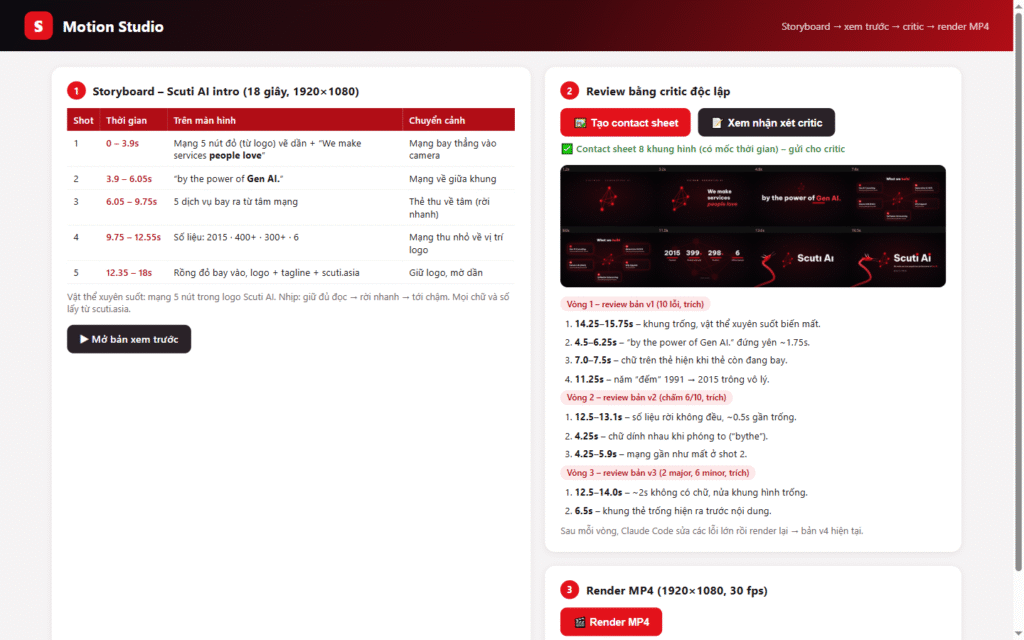
Contact sheet and critic notes
4.4. Render the MP4
Click “🎬 Render MP4”: 540 frames are captured at 1920×1080 and ffmpeg joins them with music. Then click “▶ Mở video” to watch.
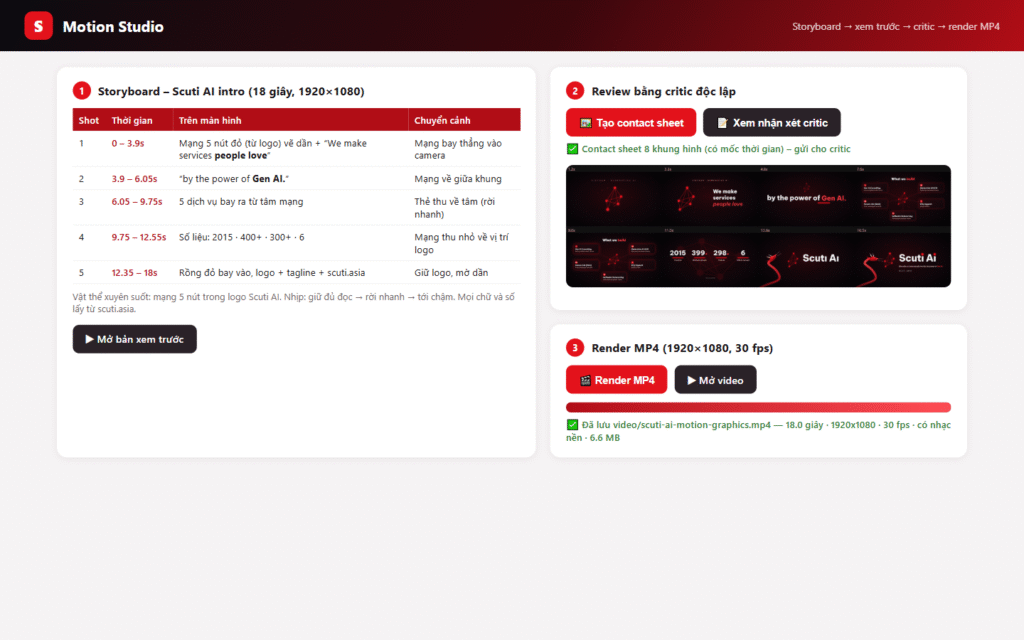
Render done: 18 s, 1920×1080, 30 fps
5. What did the critic fix? (v1 → v4)
| Version | Critic found (biggest issues) | Fixed |
|---|---|---|
| v1 19s | 1.5 s of empty frame, text frozen too long, card text visible while cards were still flying, the year “counting” 1991 → 2015 | Rebuilt the timeline, text appears when cards land, fixed year |
| v2 18s | Score 6/10: stats leave unevenly, words collide while scaling, network nearly gone in shot 2 | Stats leave together, words rise from below, network always visible |
| v3 18s | Round 3, a fresh critic that had to rate each issue: 2 major issues. At 6.5s the cards appear as empty boxes; at 12.5–14s there are about 2 seconds with no text and half the frame is empty | Cards carry their text as they fly out; the logo text appears at 12.85s instead of 14s |
| v4 18s | 6 minor issues left and about 0.5s of transition with no text, so the loop stops | Final |
v1 (before the critic)
v4 (final)
6. Claude Code in the terminal: critic round 3
I ran round 3 straight in the terminal with 2 prompts, about 10 minutes in total.
6.1. Critic review
Prompt 1: grab stills, build a contact sheet, spawn a fresh critic subagent, and rate every issue major or minor. It found 2 major issues the earlier rounds missed: empty cards at 6.5s and about 2 seconds with no text at 12.5–14s.
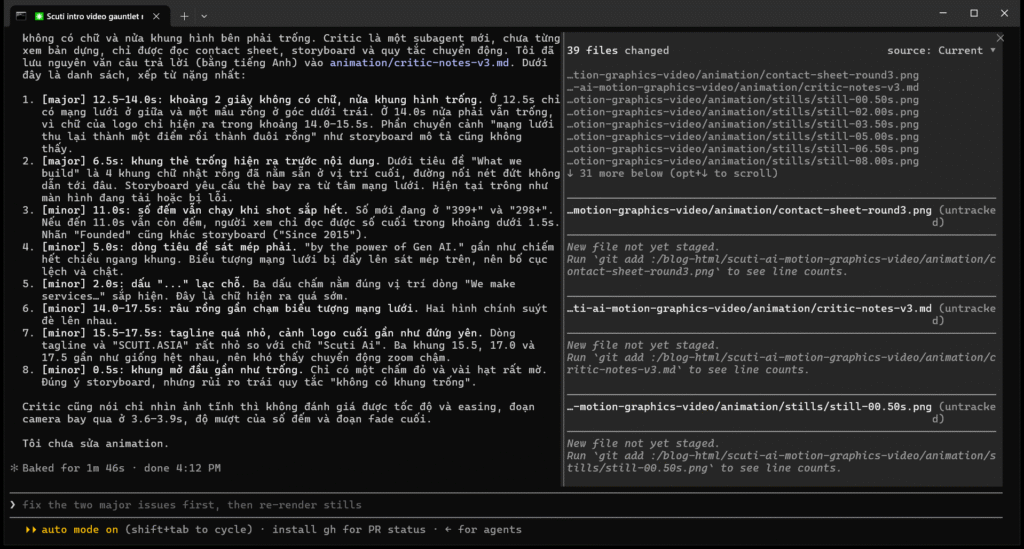
The critic issue list (Claude replied in Vietnamese)
6.2. Fix, render, check
Prompt 2: “Fix the major problems only”. Claude edits the GSAP timeline, re-renders, checks the file with ffmpeg, and lists what it did not fix (6 minor issues).
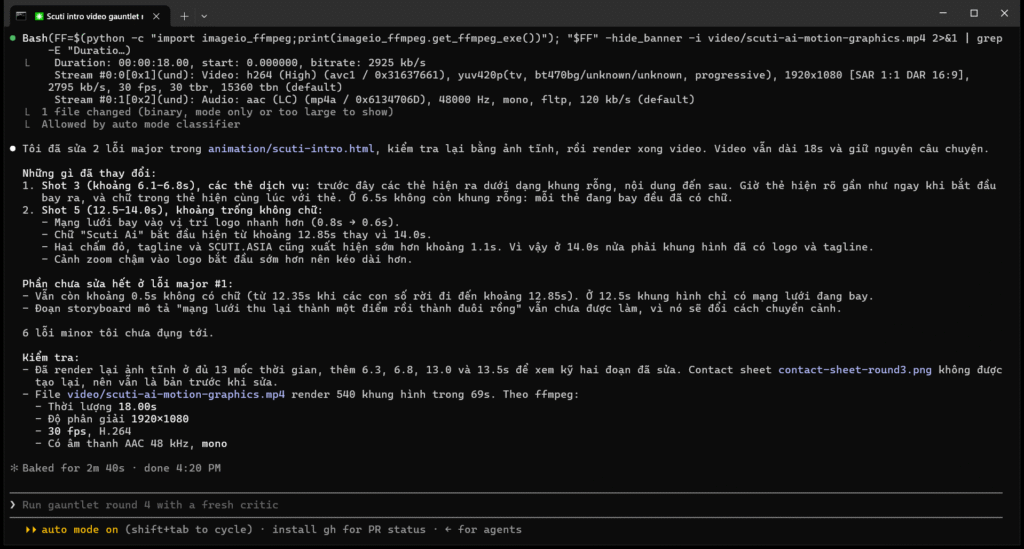
Result: 18s, 1920×1080, 30 fps, with audio
7. Full process video
The process video has 2 parts. The first part (about 2 minutes) is the Claude Code terminal session from section 6, with the waiting parts sped up. The second part shows Motion Studio, from opening it to the finished render and playing the final video.
Process video, 4:03: Claude Code terminal (0:00–1:55), Motion Studio (1:55–4:03), no sound
8. My opinion & how I apply it
- “Video as code” suits engineers: it can be diffed and reviewed, and a re-render takes about 2 minutes.
- Pacing beats effects: one carrier object and the “hold → leave fast → arrive slow” rhythm.
- The independent critic is the most valuable part: 10 issues in round 1, and still 2 major ones in round 3. The same idea works for code review, docs and slides.
- Limits: the SVG dragon still looks a bit toy-like; the critic only sees stills, so a human must check smoothness and sound.
- Where I’d use it: release-note videos from one template, proposal openers with the client’s own data, onboarding and sprint recap videos.