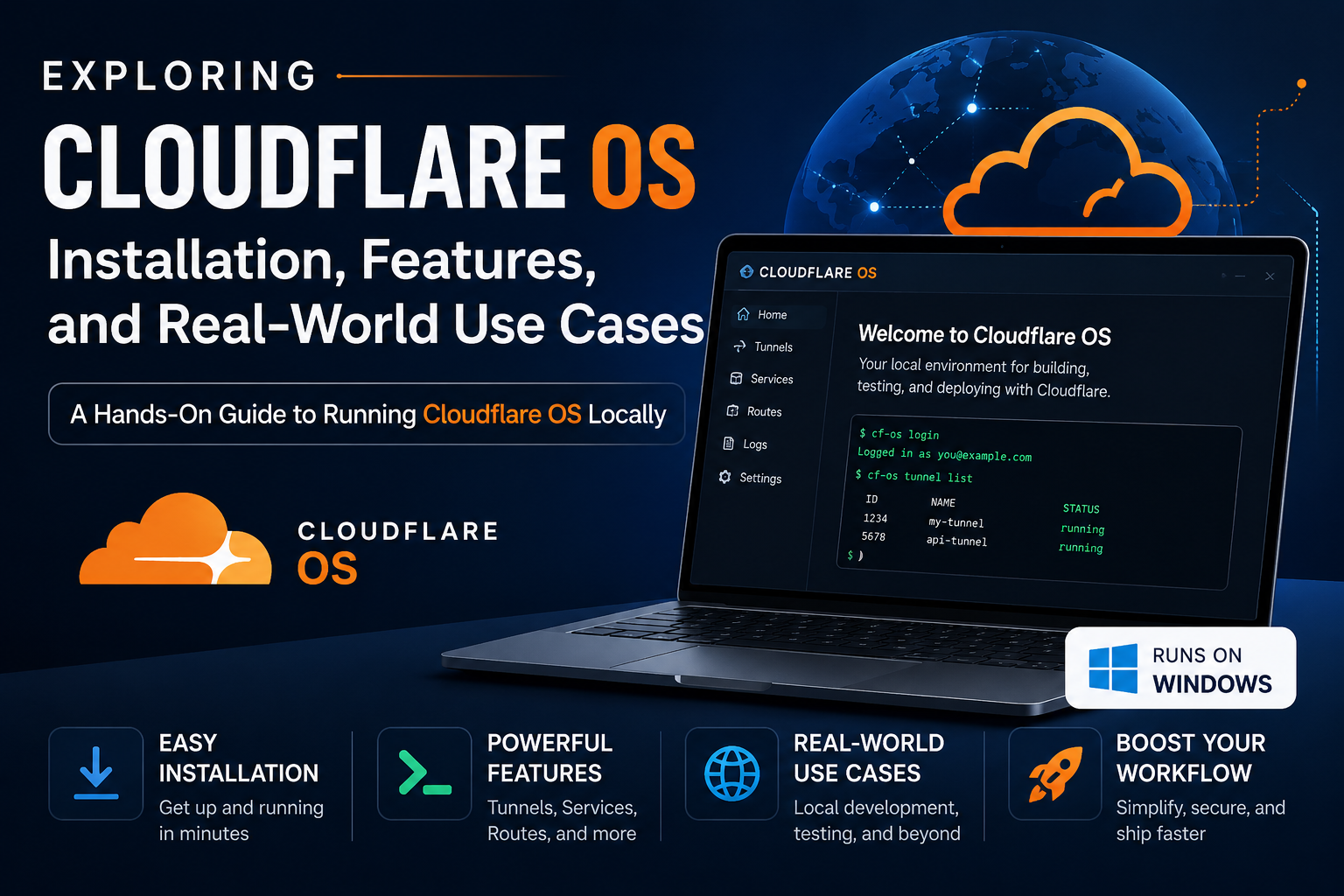
This write-up starts from the Japanese product post, os.cloudflare.app, and the GitHub repo. The name is loud. The question was whether the thing behind it is a chat UI with connectors, or something worth keeping installed.
The repo was cloned onto a Windows 10 box (Laragon, Node 24). After localhost:8787 came up, a local account was created, a Docs gadget was instantiated, and a short inbound-exceptions note was written in it until the green Saved dot stuck. No LLM key was pasted.
The result is not Linux. It is also not “ChatGPT plus MCP.” It is closer to an office suite where each file can be a private app, and that app starts with permission to touch nothing.
What it is, after reading the repo and clicking the product
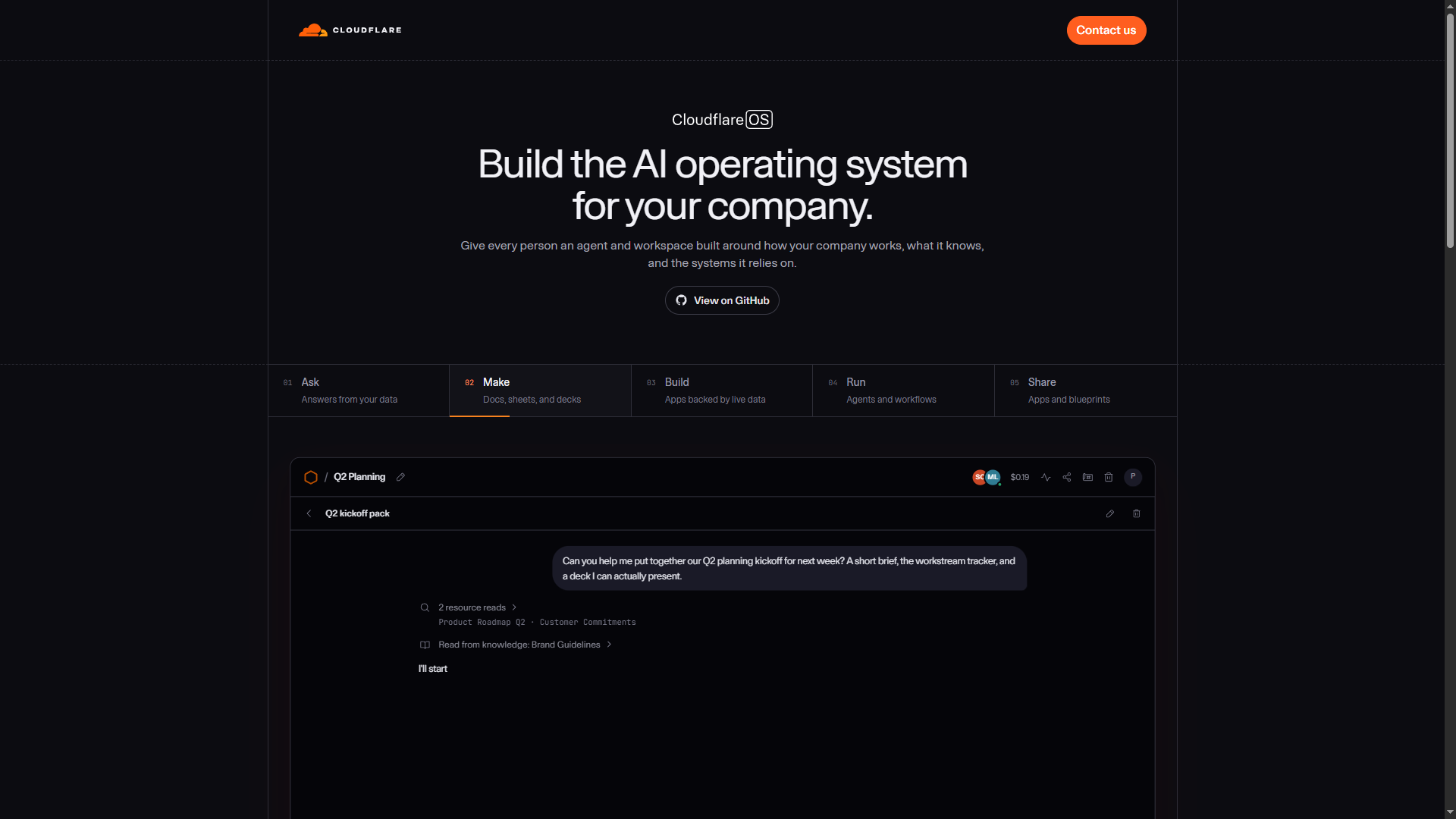
Cloudflare built this for their own company first, then open-sourced v2 in August 2026. The README is unusually clear about ownership: you are not supposed to “adopt Cloudflare OS.” You are supposed to deploy it and turn it into the OS for your company — words, rules, connectors, branding.
Four pieces showed up again and again:
Agent
A chat that can do work by writing and running code (they call this Code Mode), not only by emitting a paragraph.
Gadget
A private app instance. One person’s slides are not another’s. If a feature is missing, the intended fix is to change the code of this copy.
Gatekeeper
The process that sits between a gadget/agent and GitHub, Google, Slack, Notion, MCP, and the rest. Credentials, narrow grants, logs, human approval for writes.
Blueprint
A whole app that can be instantiated. Not a sample .docx. Workspace Docs produced an editor plus client.js and server.js.
Their kernel / process / driver analogy is useful, but easy to over-sell. The part that matters in practice is: untrusted code runs, so the runtime has to assume the code is untrusted.
Why the security story is the actual product
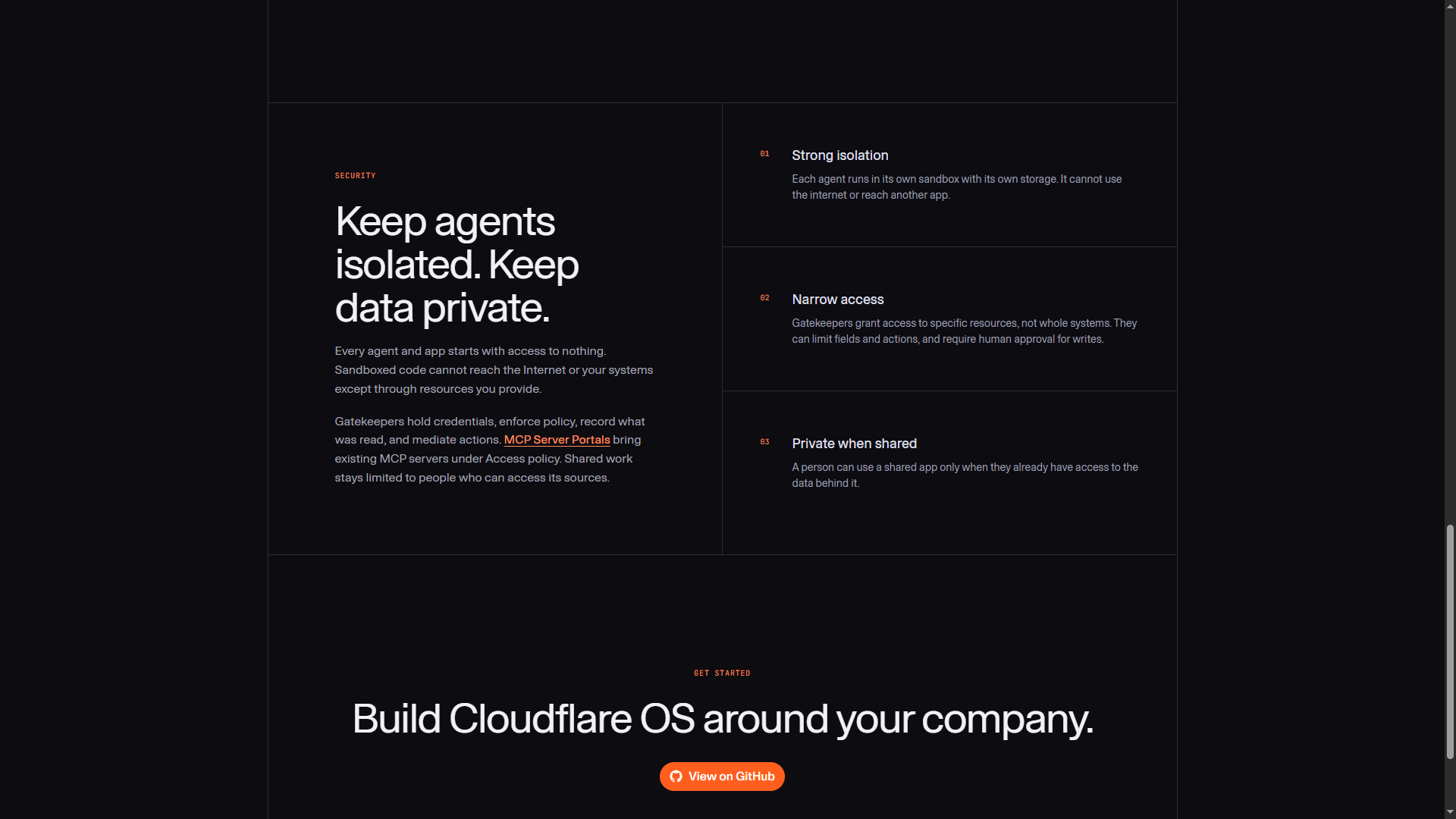
Most agent setups hand the model a bag of tools up front. Cloudflare OS does the opposite. A new agent or gadget can reach the network only through resources introduced one by one. The server of a gadget runs in a Dynamic Worker with outbound internet off. The UI runs in a sandboxed iframe.
Gatekeepers are the interesting layer. They do not only wrap an API. They can fake a successful write so the agent keeps going, then let you approve the real side effects later. That is a better shape than “stop and wait on step one,” which is how a lot of people end up turning on auto-approve.
Sharing follows the same rule. Sharing an app does not grant the data behind it. The recipient still needs access to the source. The app is not a backdoor.
Who this is for
- People who need briefs, decks, and small internal tools from live company data, and who currently wait on engineering for every dashboard.
- Teams that want staff to ship a tiny app and share a blueprint, instead of standing up another hosted service.
- Anyone already nervous about API keys sitting in desktop chat apps with broad MCP access.
- Orgs that already run Workers, Access, and AI Gateway — this is the same neighborhood.
It is not a replacement IDE for changing a production Laravel codebase. Different surface, different job.
Install: the README and what Windows actually did
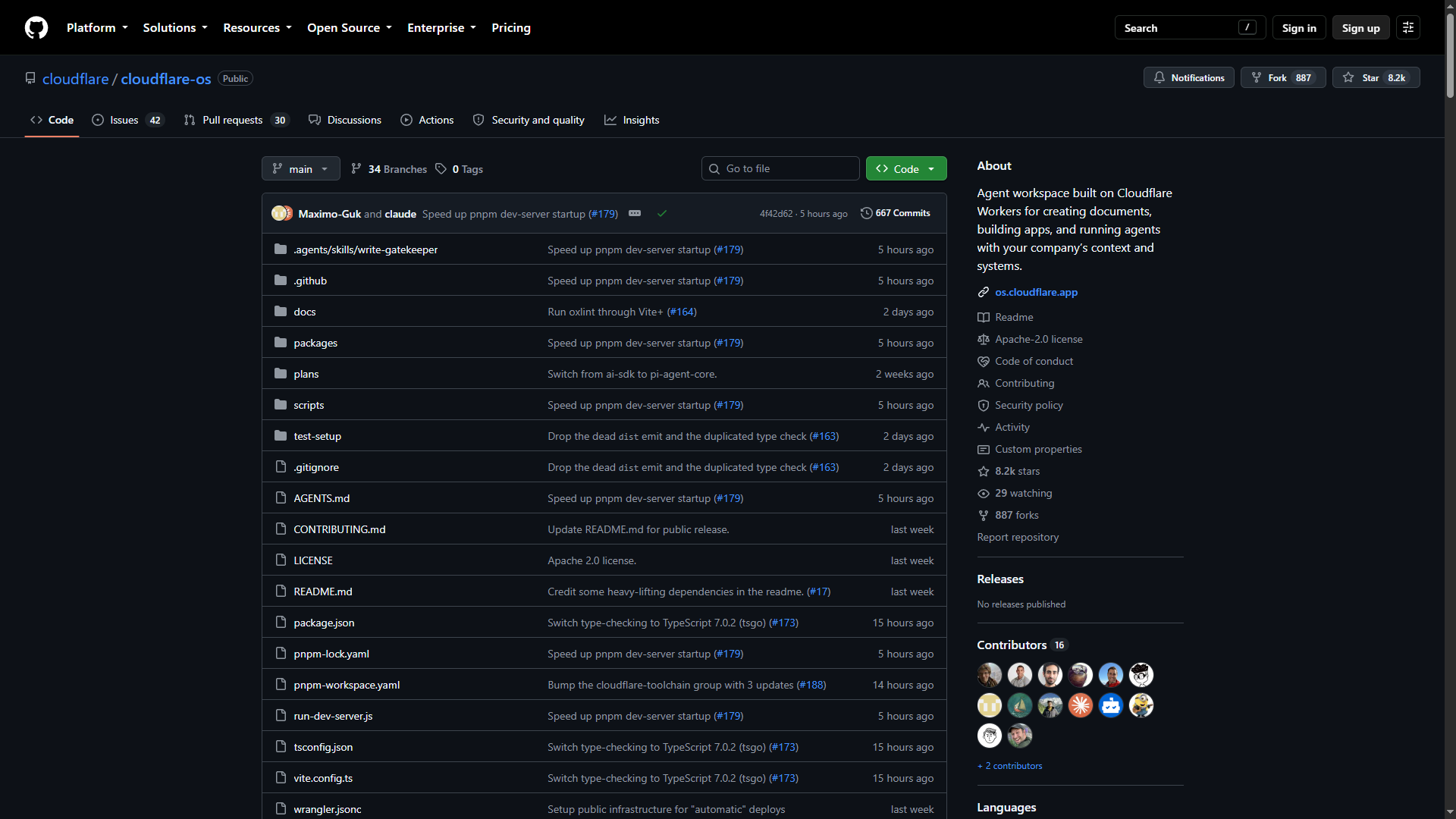
The official path is: install pnpm, run pnpm run-local, open http://localhost:8787. This run used Node v24.18.0, pnpm 11.21.0, and a --depth 1 clone.
git clone --depth 1 https://github.com/cloudflare/cloudflare-os.git
cd cloudflare-os
pnpm install
pnpm --filter @gadgets/typed-storage build
pnpm --filter @gadgets/workshop-frontend exec vite build
node run-dev-server.js --serve-frontend-assets
pnpm run-local died on the first spawn. Node on Windows does not find pnpm.cmd when the script asks for pnpm. The same crash showed up in run-dev-server.js and in gatekeeper build-app.mjs files. Those calls were pointed at pnpm.cmd so this machine could boot. That is a local patch, not an upstream fix.
Vite spent about 47 seconds on the frontend. Wrangler then brought up the workshop worker plus a long list of Gatekeepers. Several minutes later the log said ready on port 8787. First start is slow. Data lands in .wrangler. Production is a different path: os.cloudflare.app/deploy or cloudflare-os-starter.
Onboarding without a model
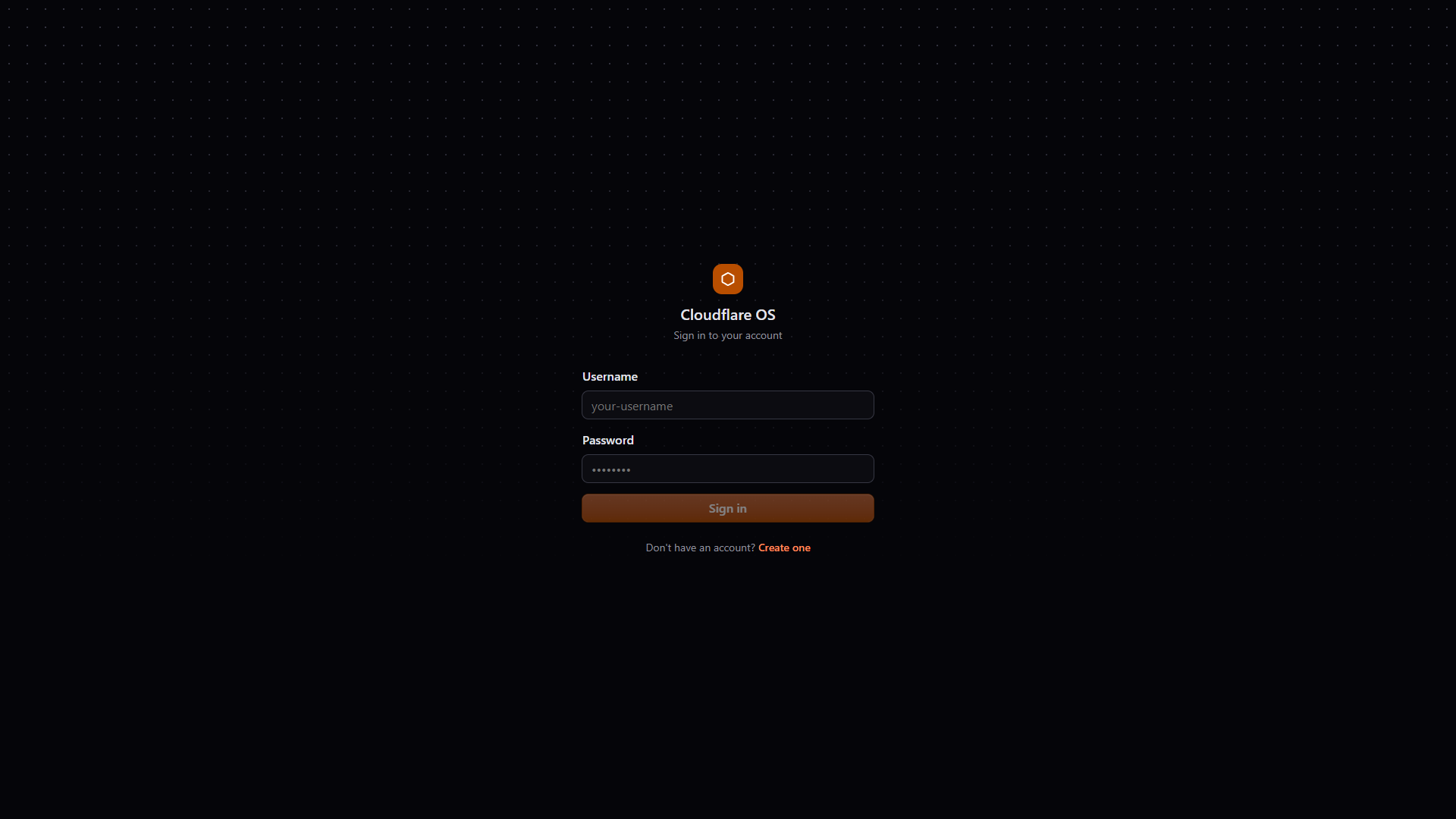
Sign-in is a dark form with the orange hex. The local account used was admin, because the local config puts that name in ADMINS, which unlocks the Gatekeepers page. Eight-character password. No OAuth — .dev.vars was left empty.
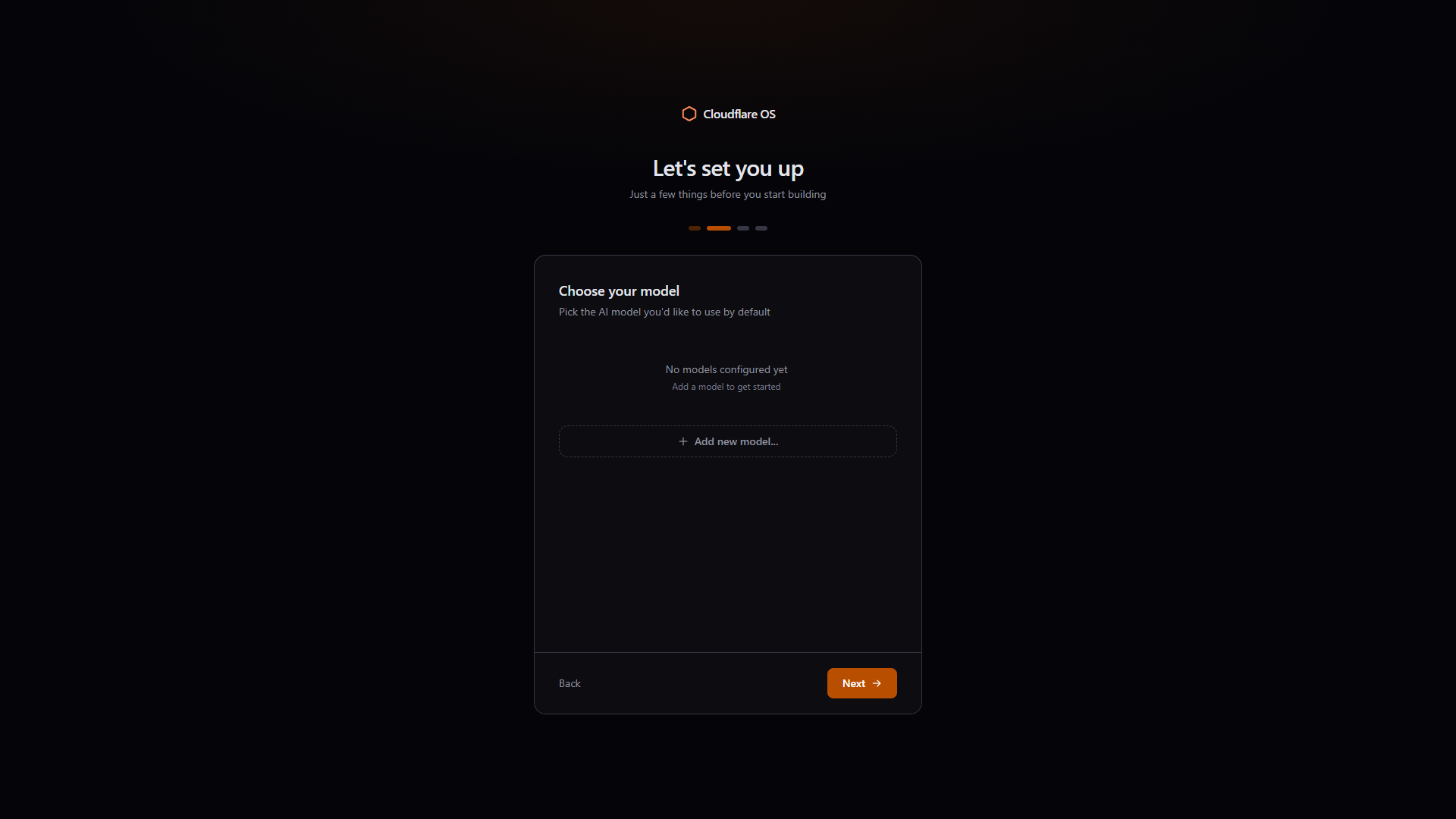
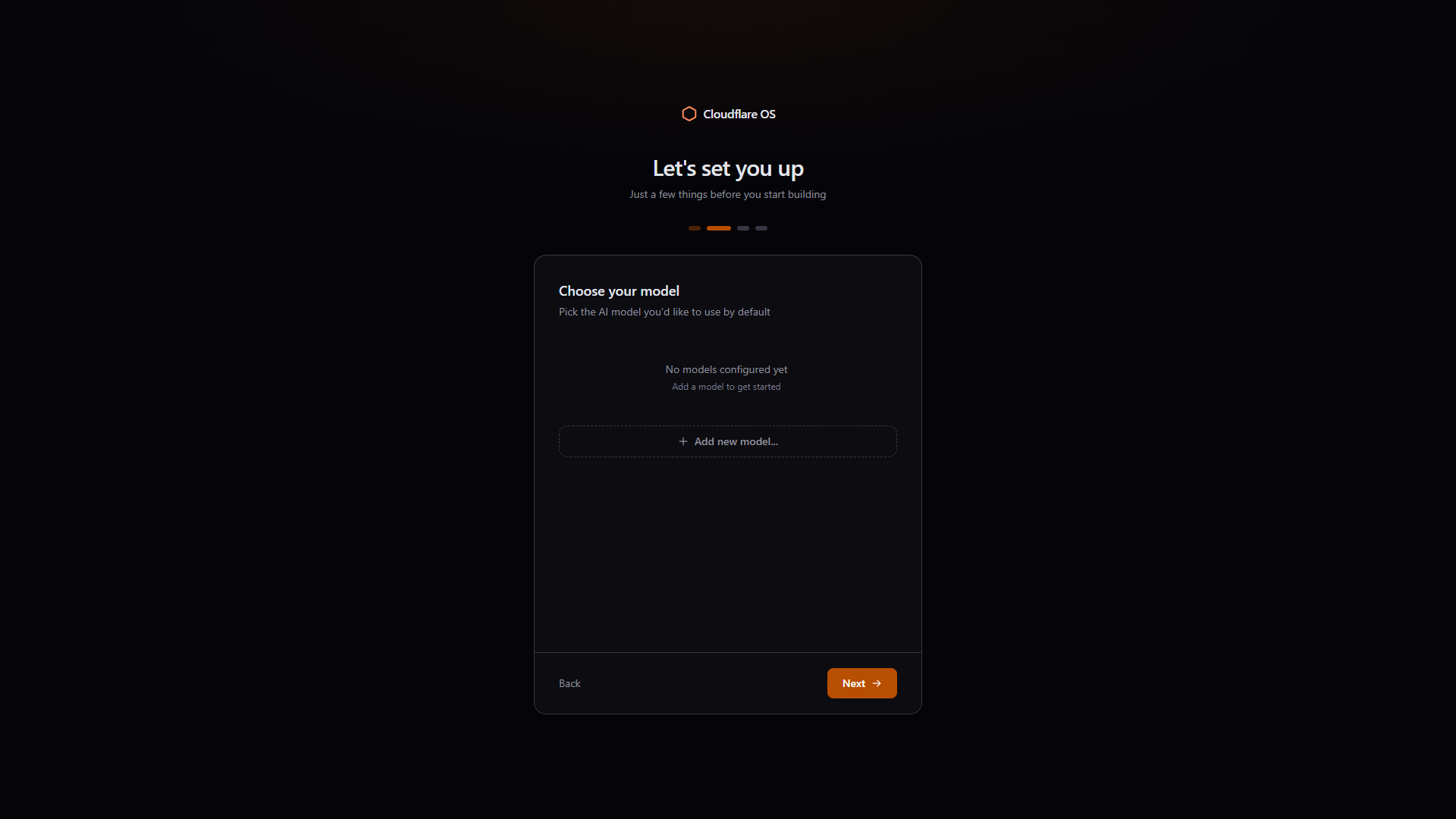
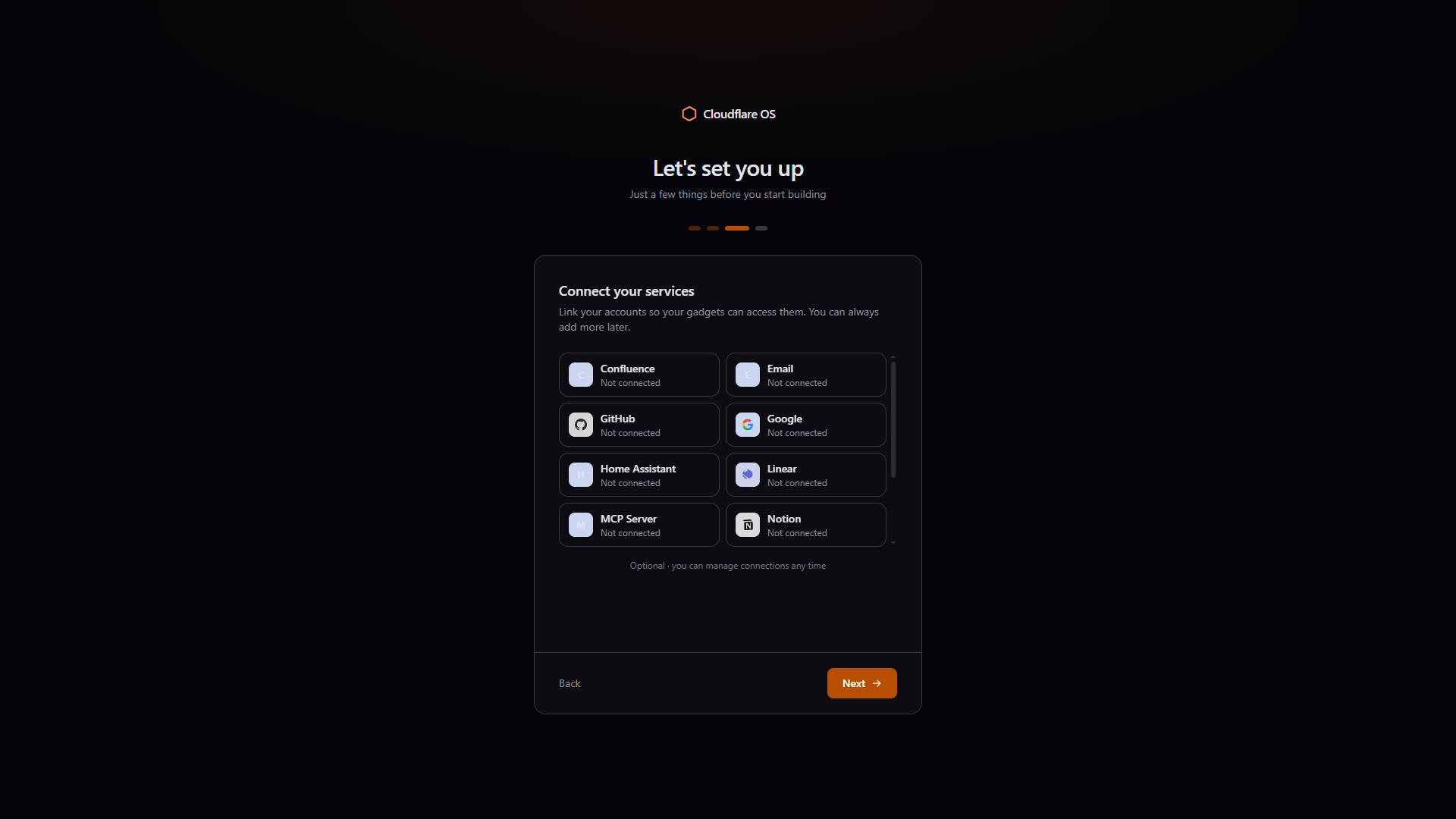
The wizard is four steps and does not pretend you are done:
- Profile (display name, optional photo).
- Default model. Empty. It stayed empty for this run.
- Connect services: Confluence, Email, GitHub, Google, Linear, MCP, Notion, Slack, Spotify, Supabase, ZoomInfo, Home Assistant. All skippable.
- A “you’re all set” screen, then Home.
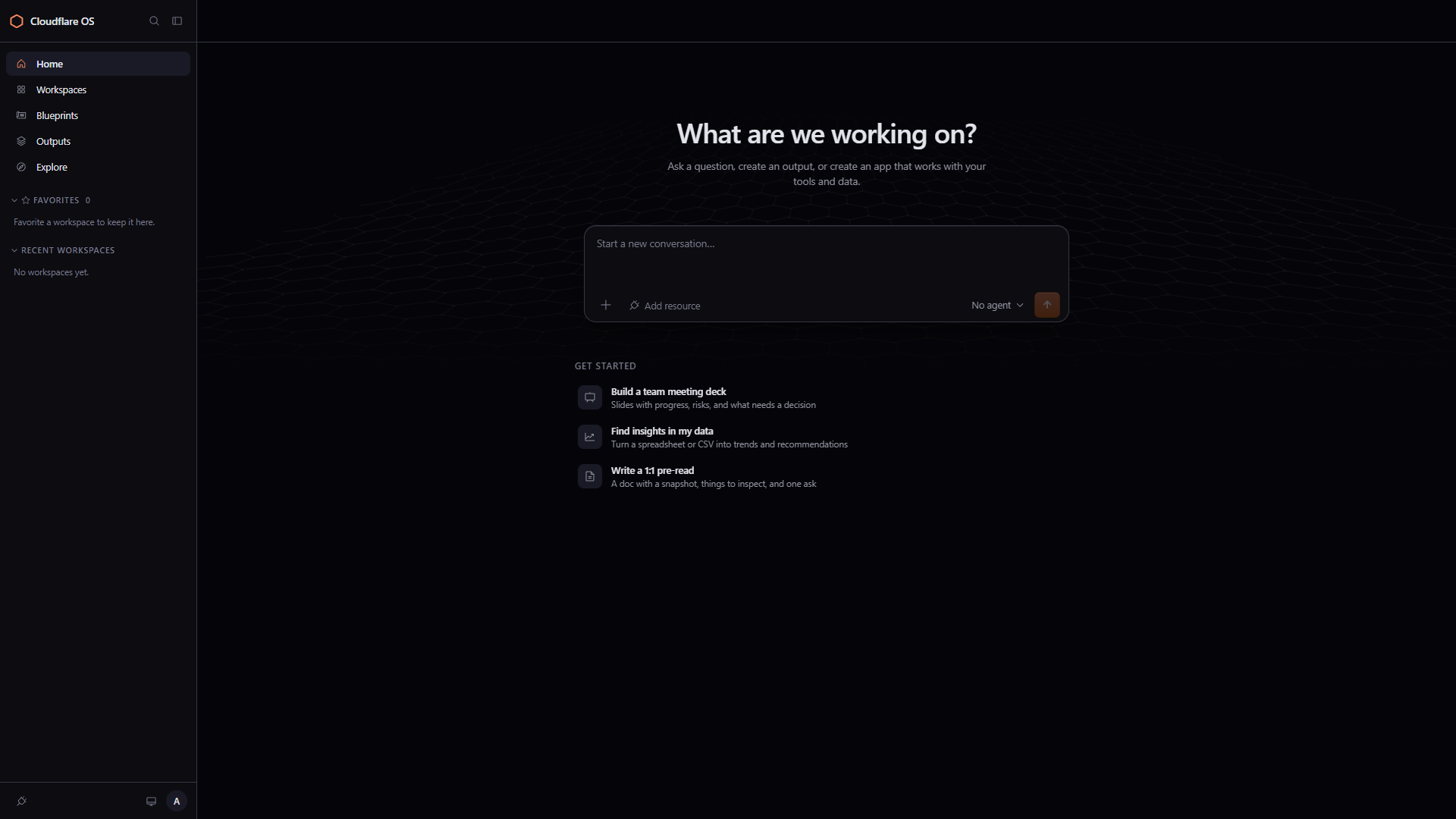
Home has the expected sidebar (Home, Workspaces, Blueprints, Outputs, Explore), a conversation box, and three starter prompts. Send stays disabled.
The part that justified the install: a Docs gadget, used
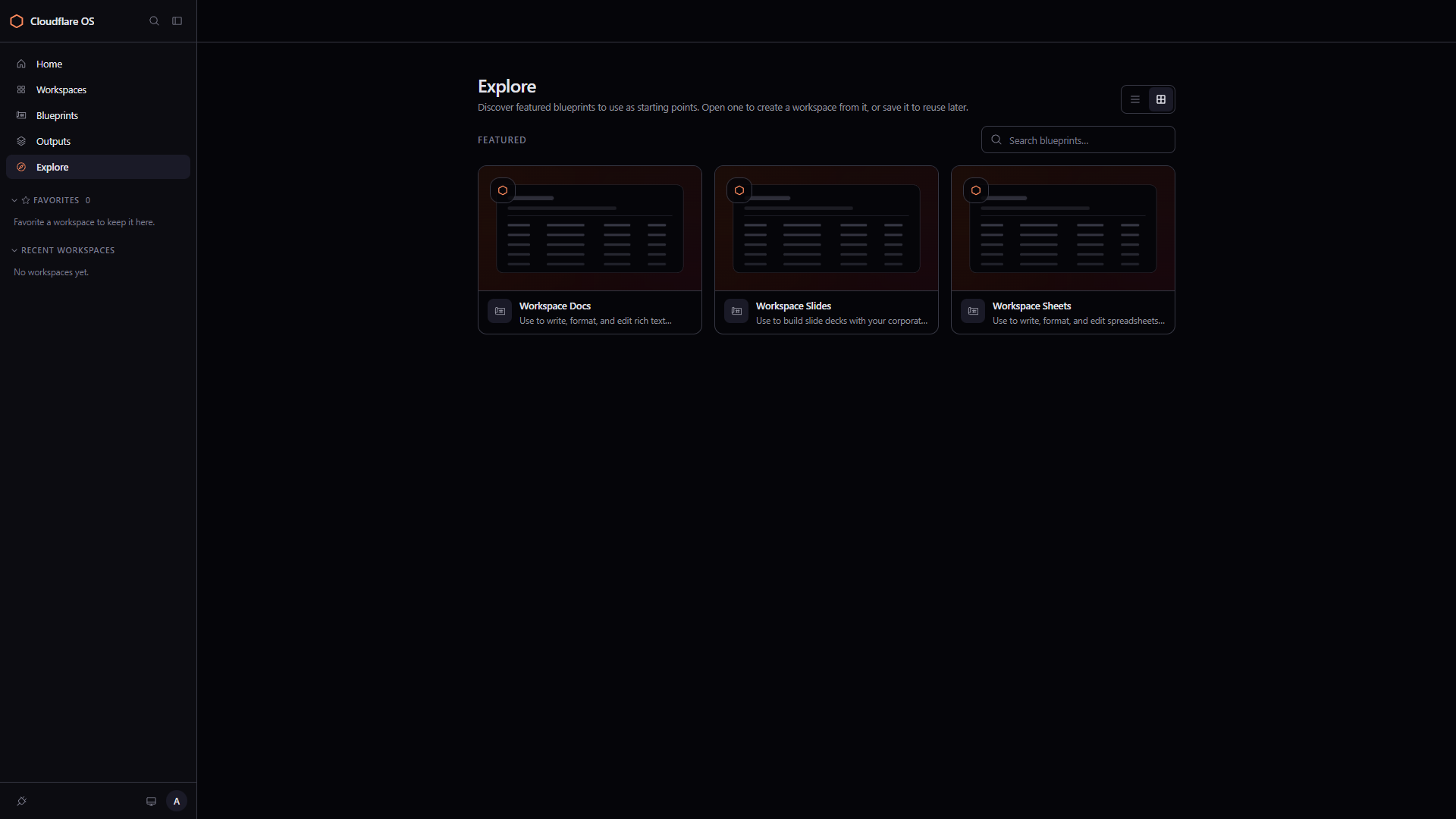
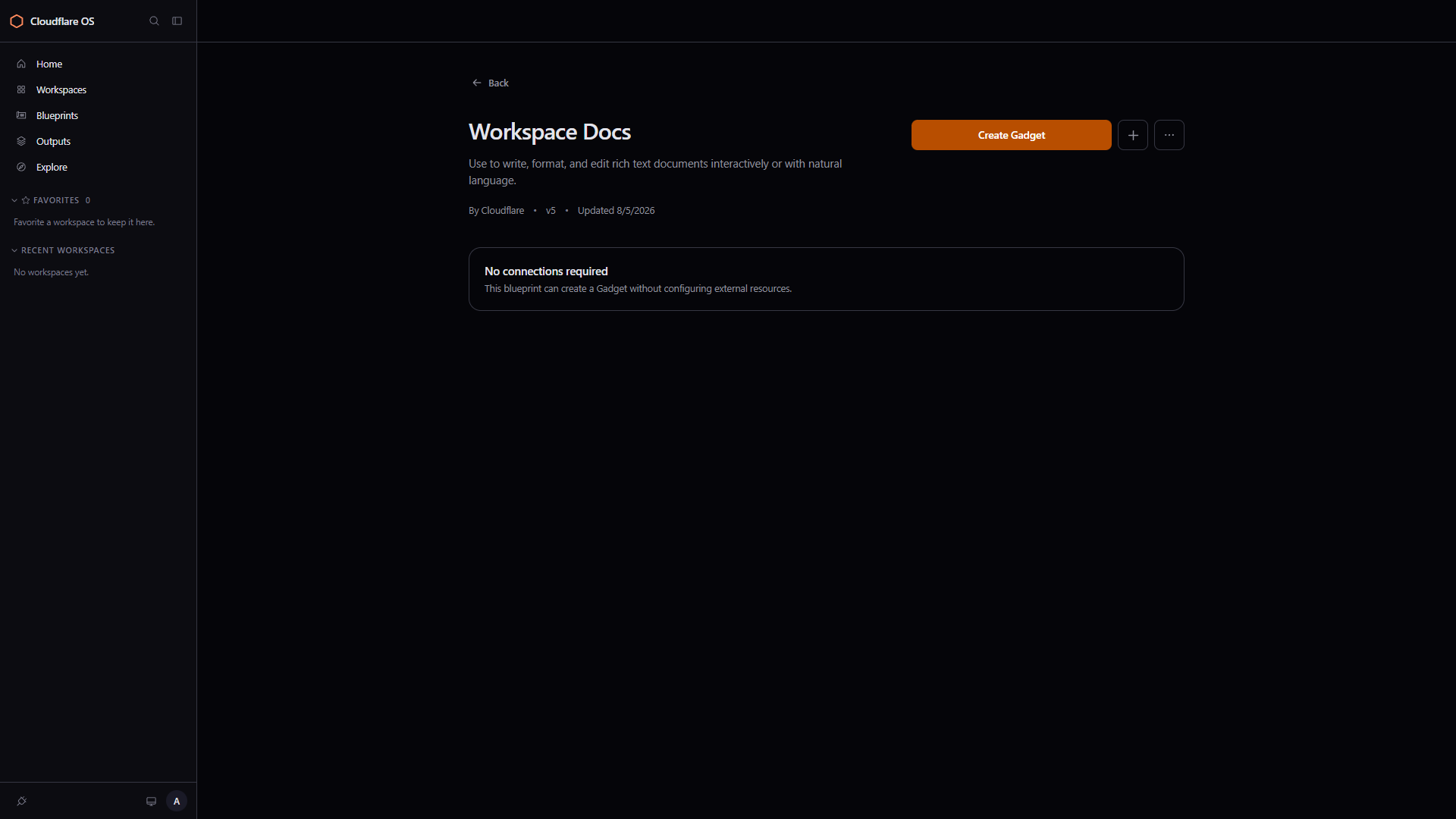
Explore lists three featured blueprints: Docs, Slides, Sheets. Workspace Docs (Cloudflare, v5) was the one opened. The page said no connections required, which fits a run with no OAuth.
A few seconds later the browser was on /workspace/<id>. Chat on the left. Gadget on the right. Tabs: Doc, Code, Connections. The first paint of Doc is an empty “Untitled document” with “Start writing…”.
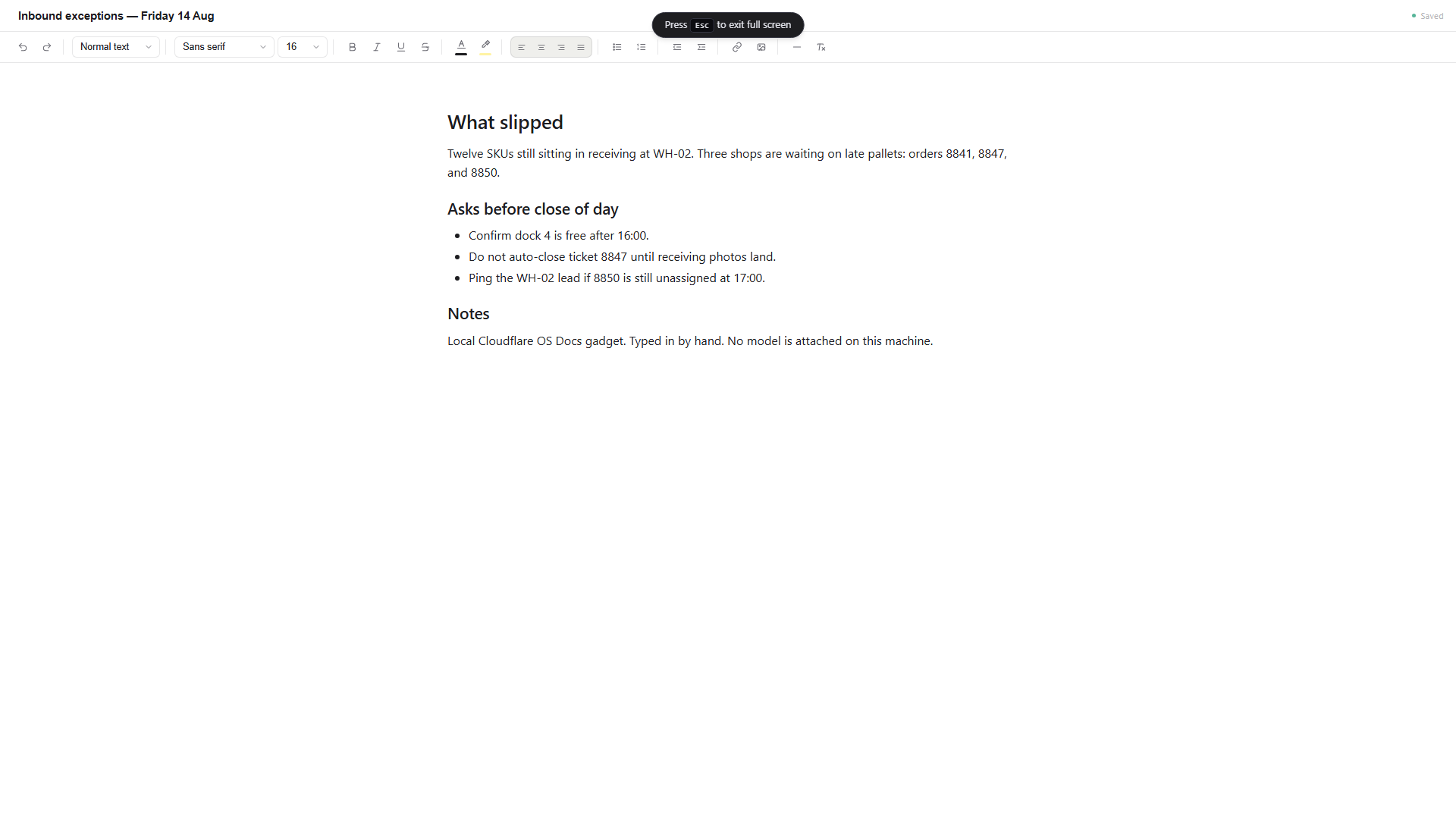
The gadget was then used as a notepad for a fake Friday inbound-exceptions brief — the kind of thing that currently lives in a spreadsheet comment and a chat thread. Title: Inbound exceptions — Friday 14 Aug. Headings for what slipped, asks before close of day, and a short notes block. Order numbers 8841 / 8847 / 8850, dock 4, WH-02. After a moment the status chip went green: Saved. Reloading the workspace brought the same text back.
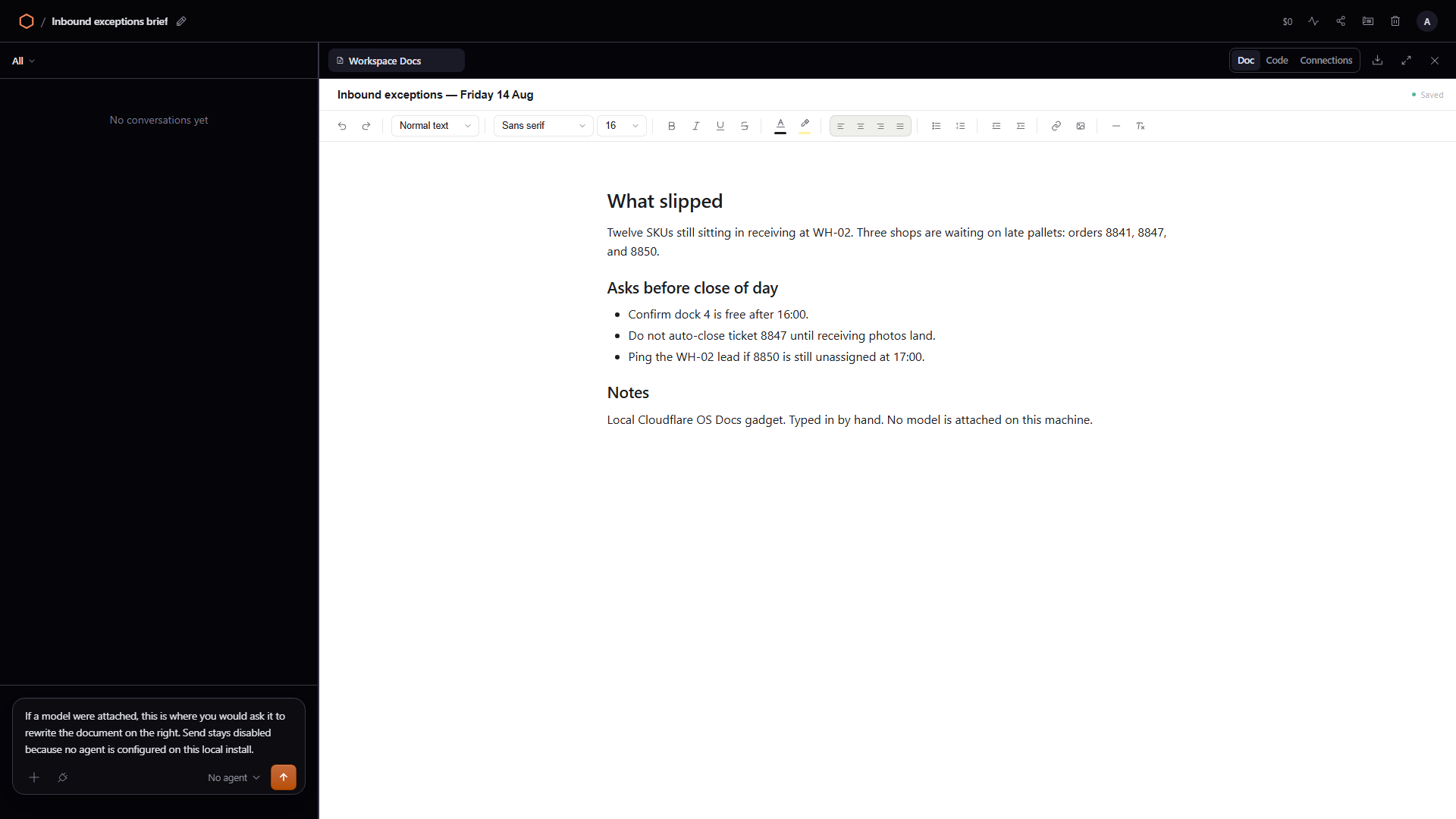
The workspace itself was renamed from the default “Workspace Docs” to “Inbound exceptions brief.” The chrome on the left is still waiting for an agent. A prompt was typed into the composer anyway; Send stays off because the model step was skipped.
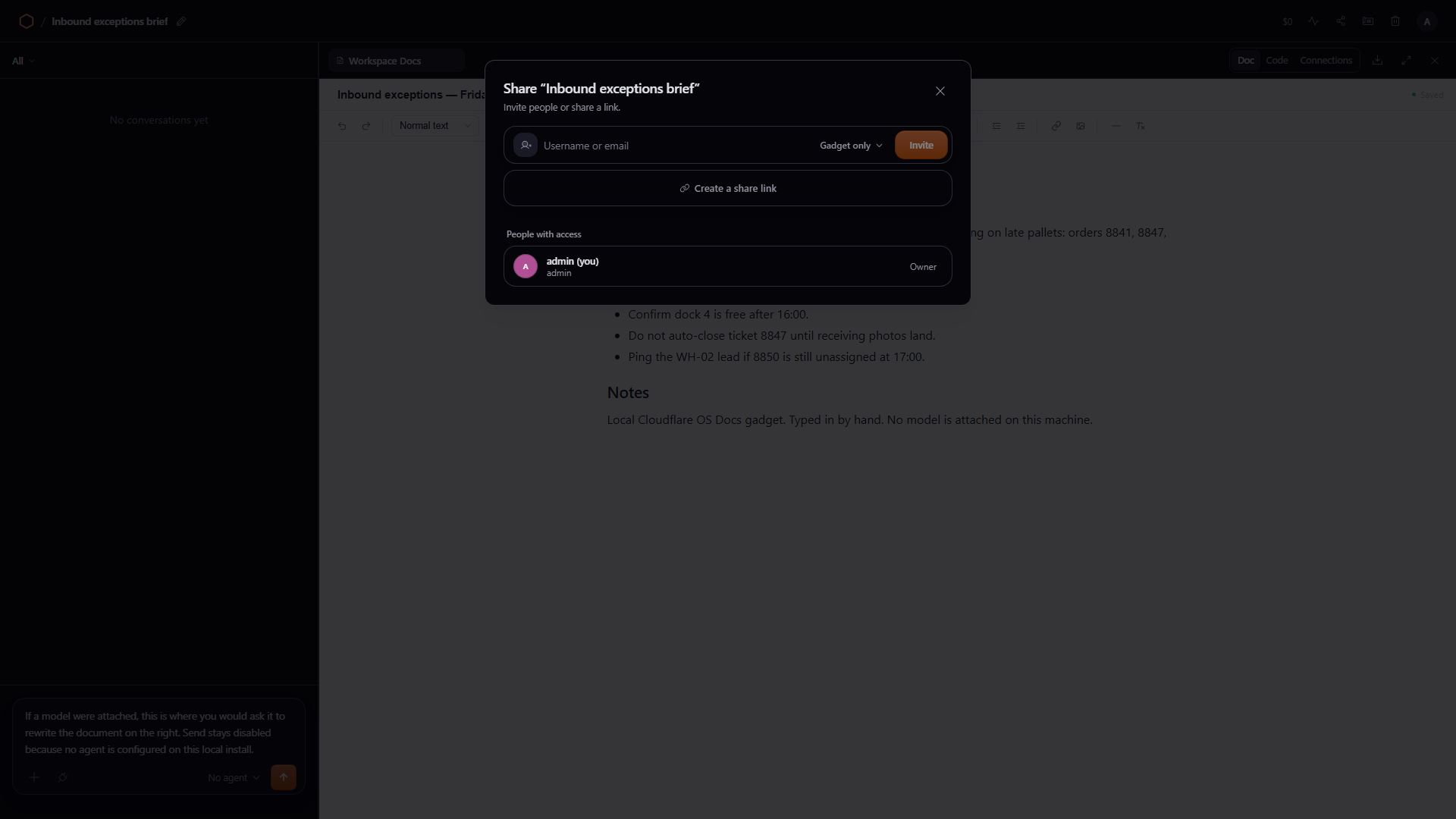
Share is not a generic “copy link” toast. The dialog lists people with access (only admin here), an invite field, and a grant picker with two levels: Workspace (edit gadgets, use chat, manage access) versus Gadget only (use the app, no agent chat, no editing). That matches the product line that sharing the app is not the same as sharing the data behind it. No second user was invited on this machine.
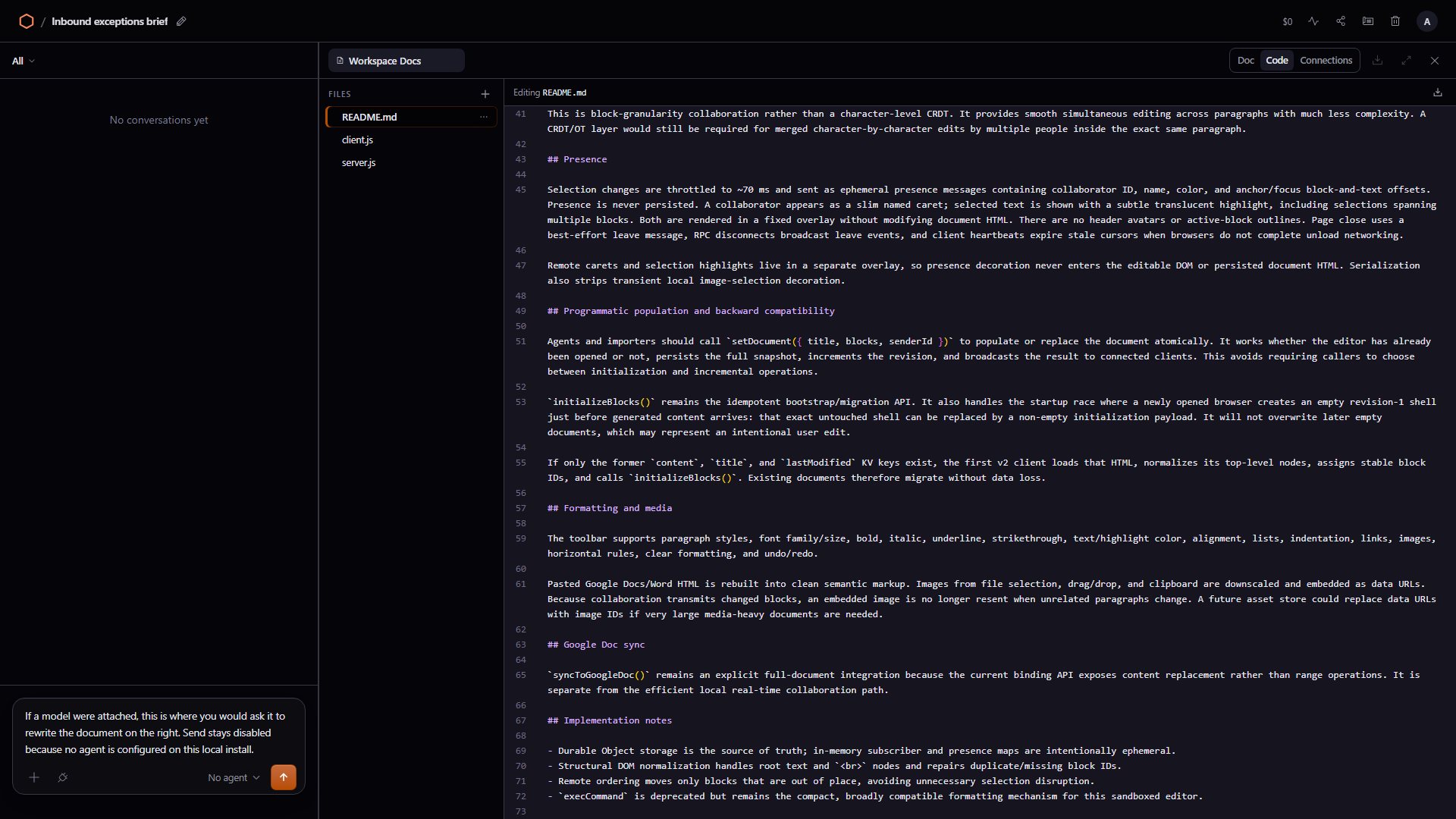
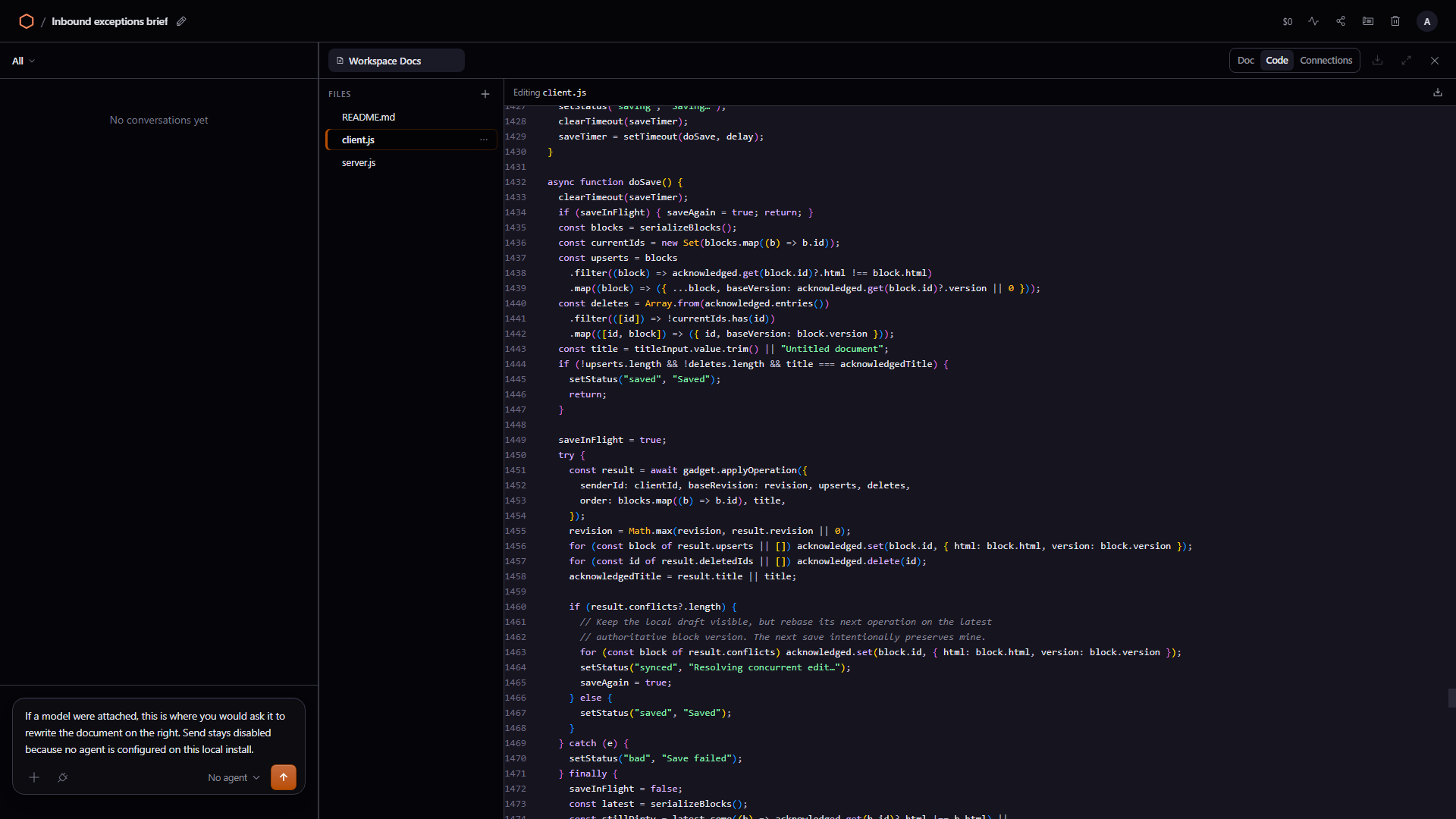
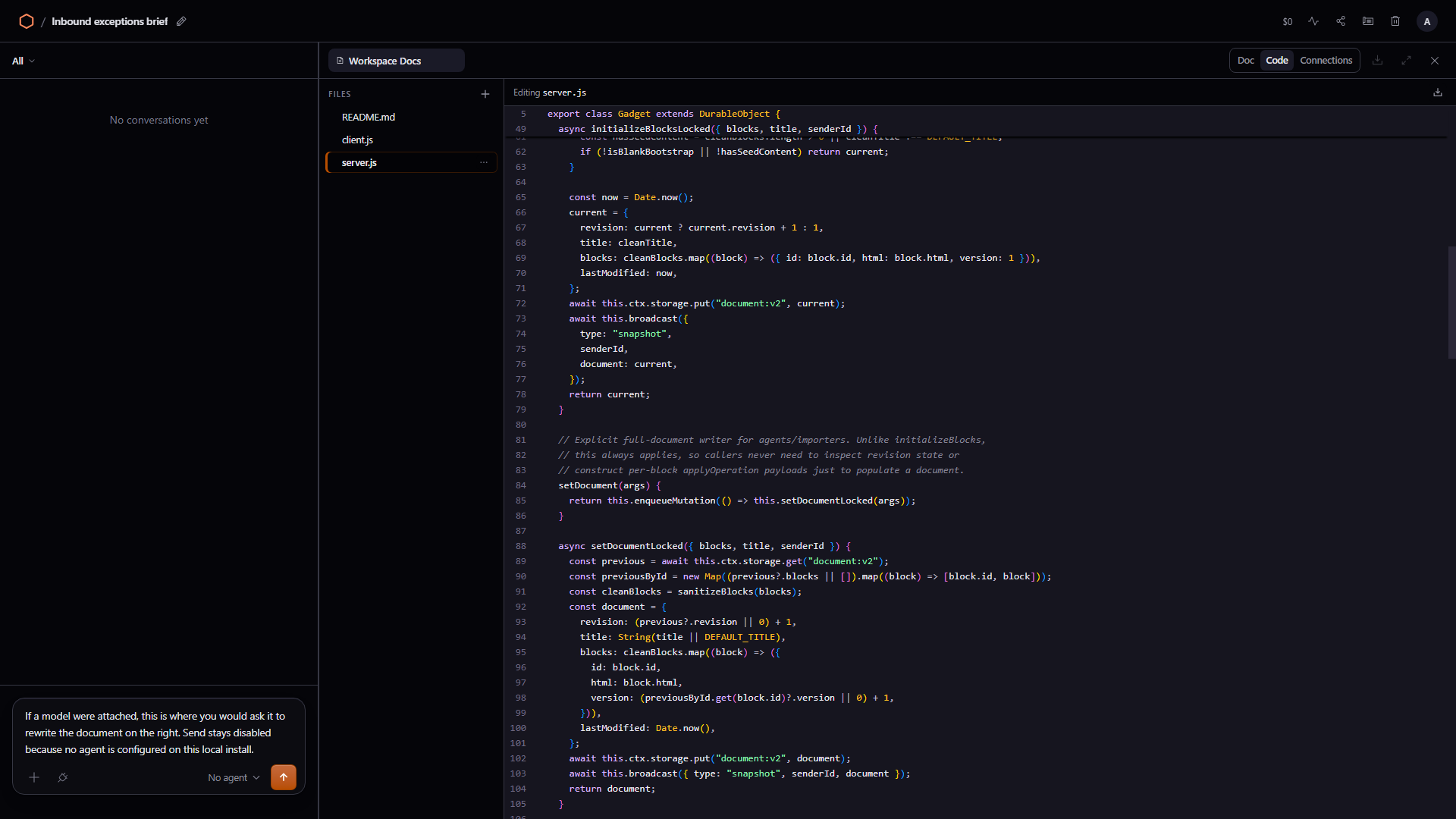
Code is still the reason to stay. Files: README.md, client.js, server.js. The README describes a collaborative editor backed by a Durable Object. Opening the JS files is more useful than reading the pitch. client.js around the save path calls gadget.applyOperation({ senderId, … }). server.js is an export class Gadget extends DurableObject with applyOperation as the coordinator. This is an app sitting in the workspace, and it can be changed — by a person or later by an agent — because it is a private copy.
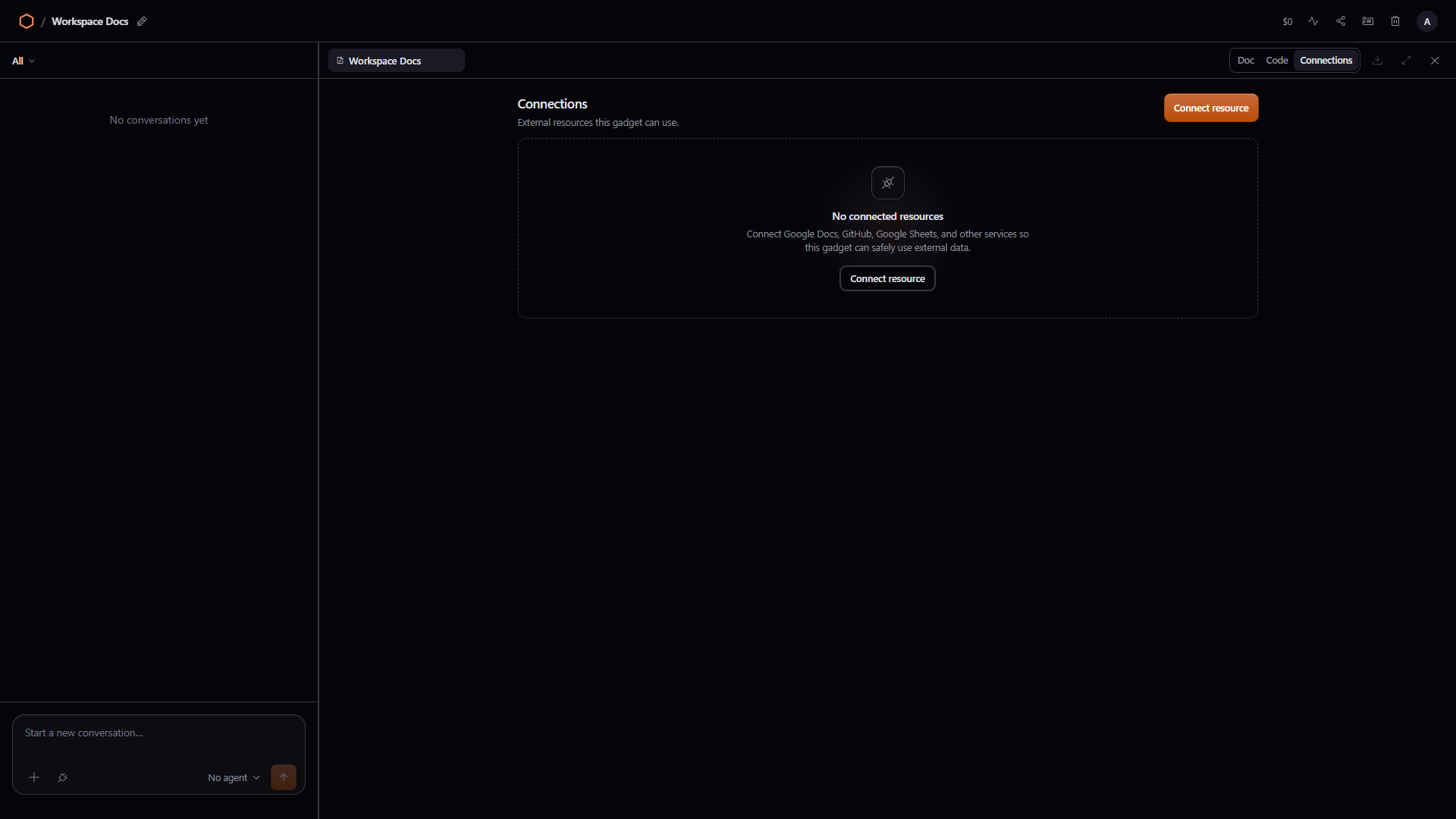
Connections was empty. The copy says to connect Google Docs, GitHub, Sheets, and so on. Until that happens, the gadget has nowhere to go. That matched the product docs, which is rarer than it should be.
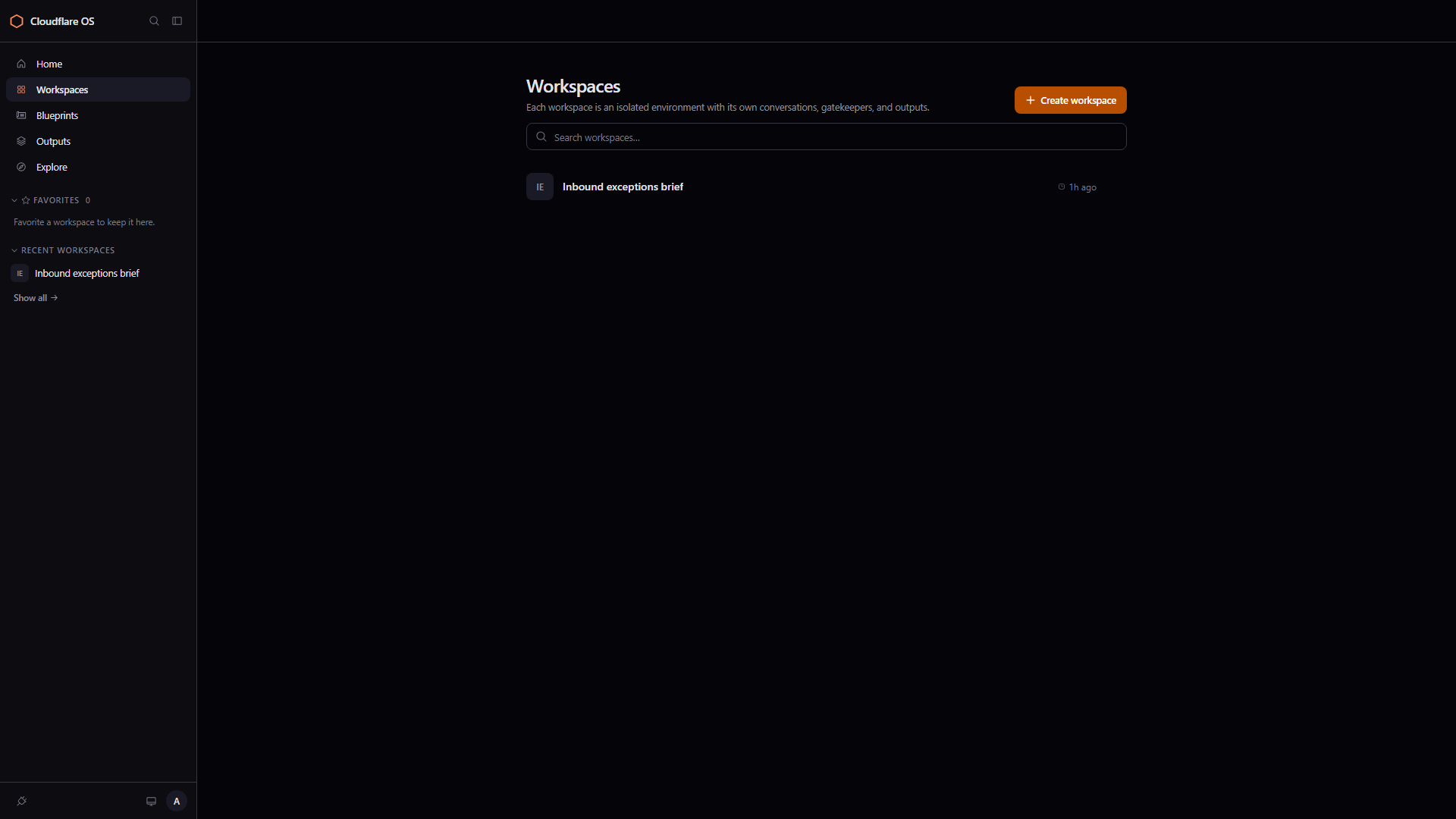
Workspaces then listed the renamed item, about an hour after create. Isolated conversations, gatekeepers, outputs — that is how they describe the unit of work, and the list made that concrete once it was no longer called “Workspace Docs.”
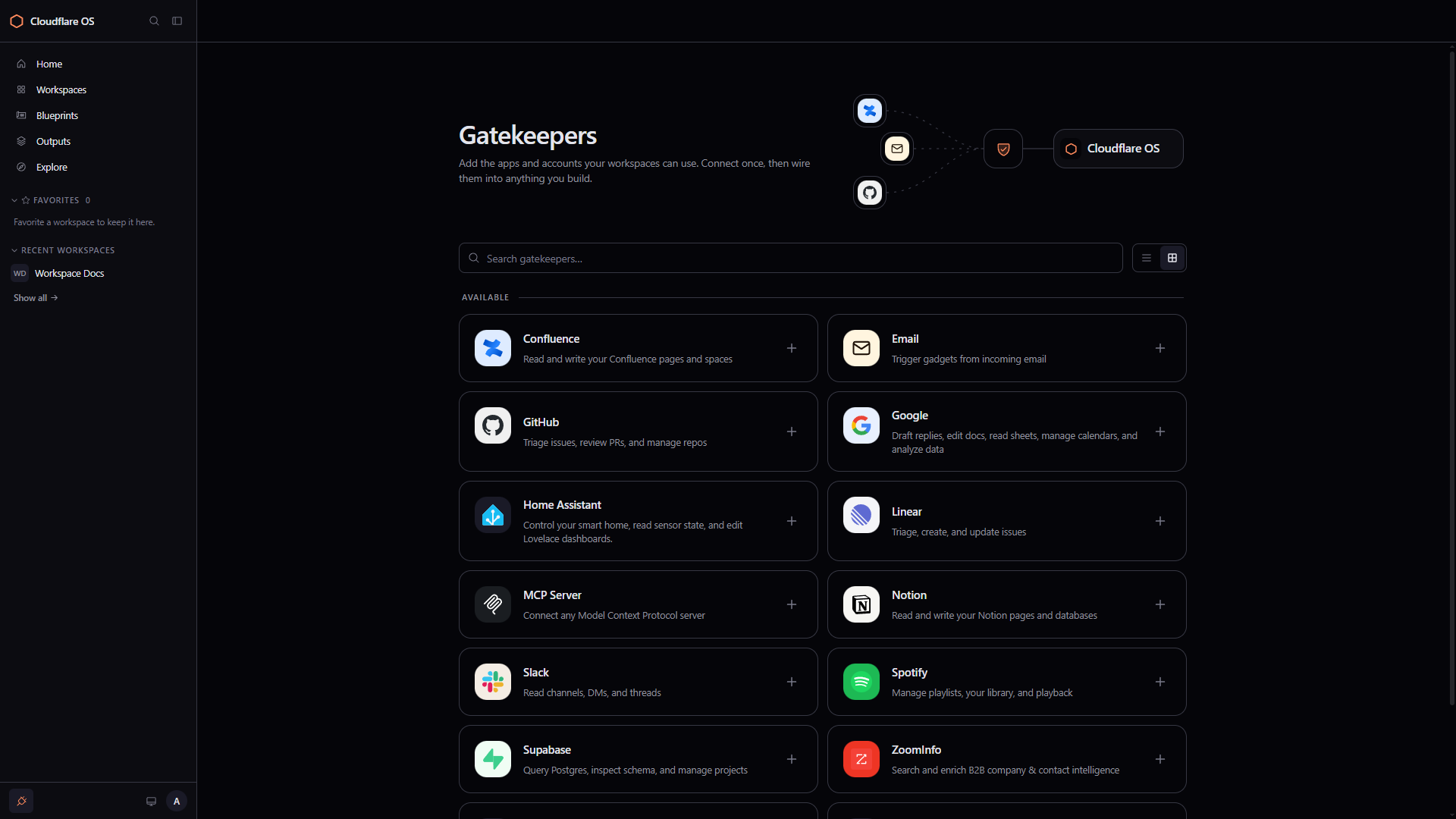
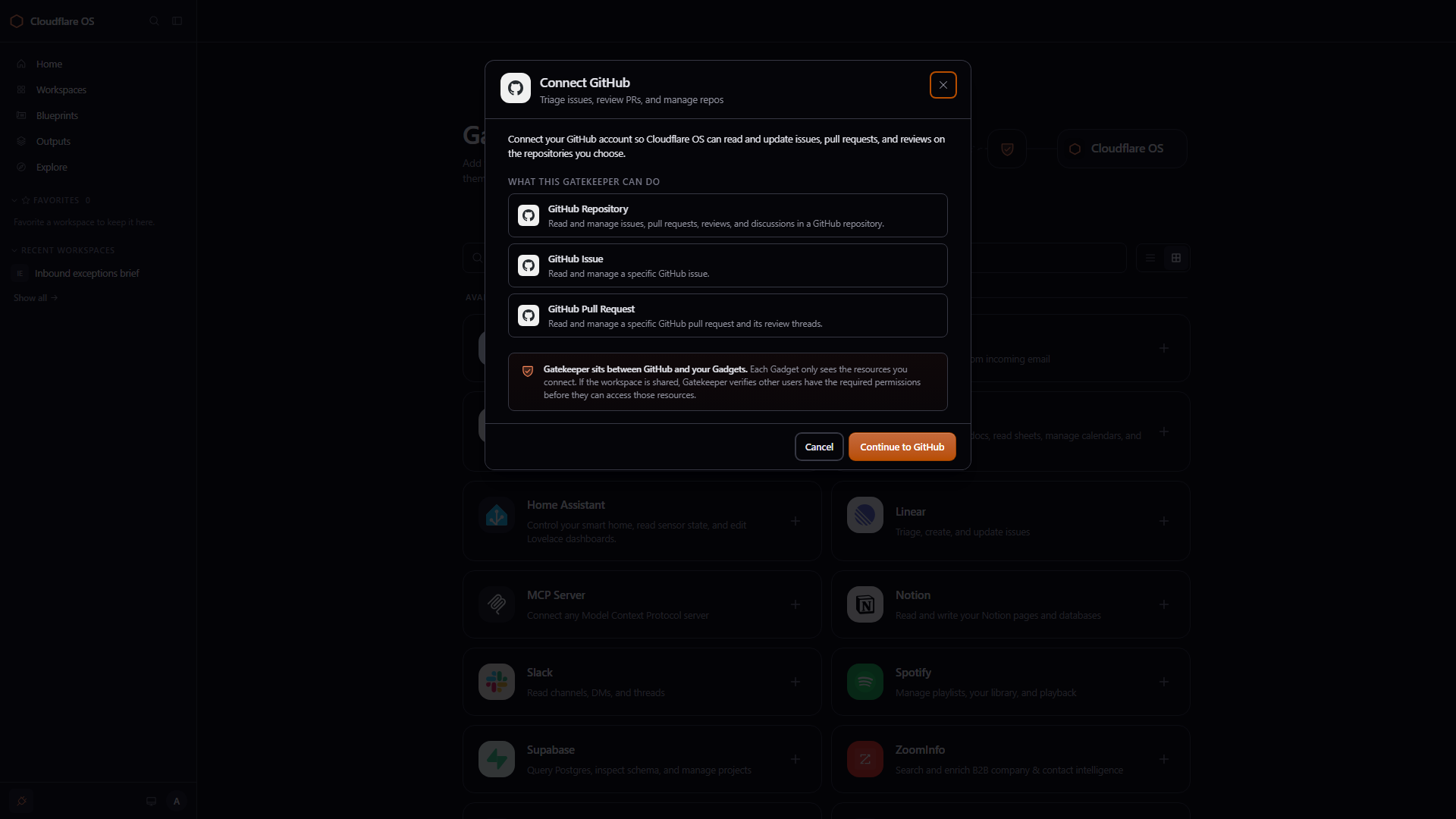
Gatekeepers is the admin-looking page: a grid of connectors and a shield diagram. Context collections and scheduled tasks live there too. Opening GitHub does not dump you into OAuth immediately. It opens a “Connect GitHub” sheet that lists what the gatekeeper can touch — repository, issue, pull request — and a shield note that the connection dies with the workspace. Continue to GitHub was not pressed. No OAuth was completed. The point was to see that connectors are objects with a permission story, not env vars hidden in a desktop client.
Where this would land in my week — and where it would not
Most of my week is a Laravel app around logistics and warehousing: orders, stock, shop operations. I write code in Cursor. Ops questions live in the admin UI, spreadsheets, and chat. The gap Cloudflare OS is aiming at is not “type the controller faster.” It is people who never open the repo and still need a tool this afternoon.
If I pictured a company-specific deploy of this stack, not the vanilla Cloudflare branding:
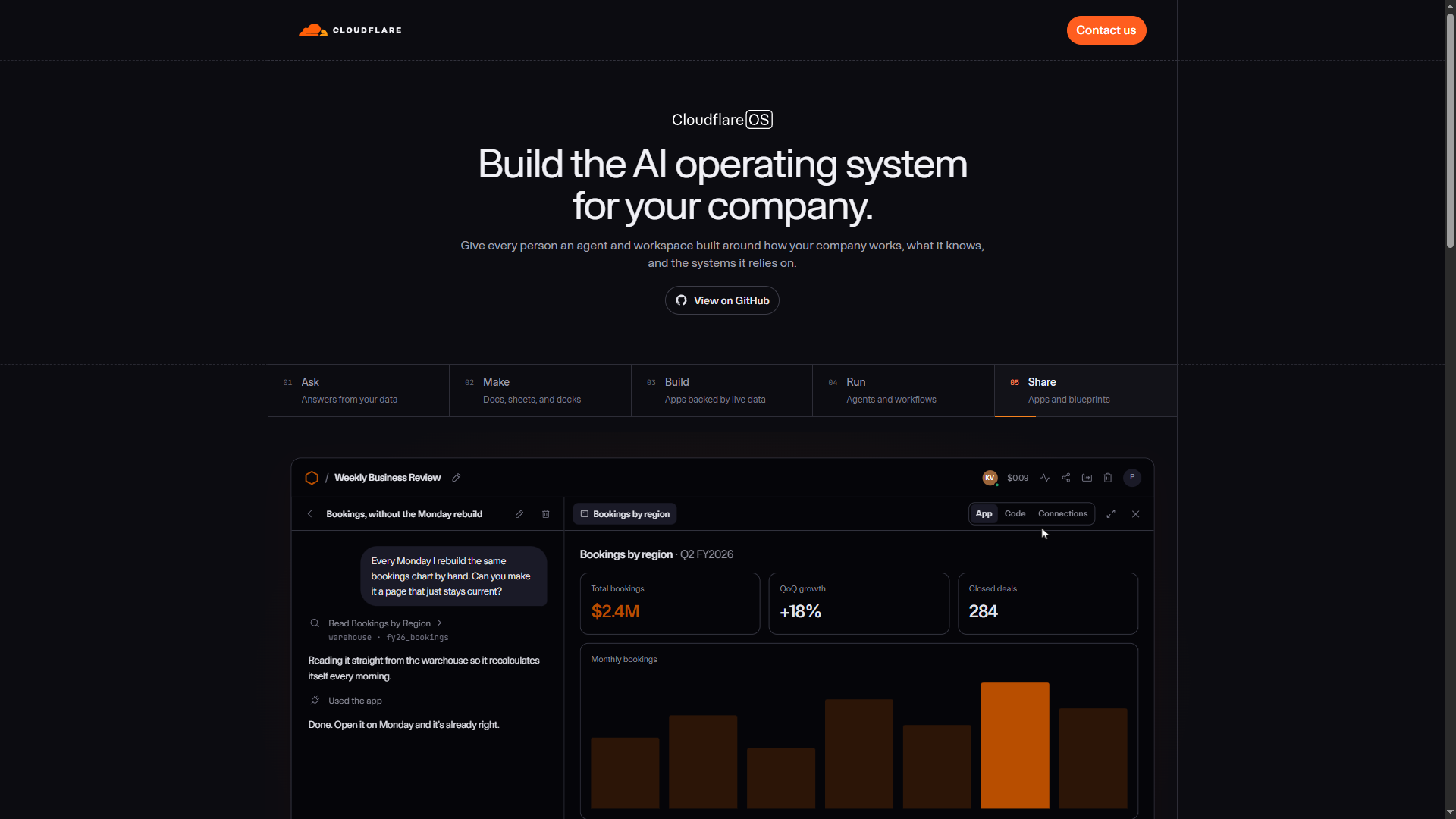
- An ops page that does not rot overnight. Same shape as that Monday bookings demo. Inbound today, late SKUs, which shops are stuck. A gadget, not another Blade view in a release.
- Weekly / 1:1 pre-reads. Docs blueprint plus written-down review habits. Agent reads tickets, drafts a brief. Writes go through a Gatekeeper.
- Decks from real numbers. Not screenshots from a SQL client.
- Self-serve for ops. “Filter orders by warehouse.” If the gadget is good, publish a blueprint. Skip the sprint ticket for a one-off table.
I would not debug queues or migrate schema in here. The OS agent is built for a small, locked-down runtime. Cursor is built for a git tree. I want both, in different windows.
The idea I actually respect is not the chat transcript. It is “every user runs their own copy” plus Gatekeepers. SaaS spent twenty years telling us not to let users modify the software. Agents make that rule expensive. If users (or agents) can change the code, isolation has to come first. They ordered it that way.
I am not putting this in production this week. Windows local is still awkward. Without a model and without OAuth, you only see half the product. v2 is labeled early access and it feels like it. I will keep the clone and try again with a gateway in front. What this run did prove, without a model: you can instantiate a private editor, write a real note, save it, rename the workspace, open the source, and get as far as a Gatekeeper permission sheet.
For my own work, it does not replace the editor I use on Laravel. It might become a place for ops tools if we customize it and connect order/warehouse data on purpose. Worth installing. Worth reading the security model. Too early to bet a production workflow on.
Takeaway from the hands-on run
Cloudflare OS is an open-source workspace on Workers: ask, make documents, instantiate gadgets, share blueprints, and put Gatekeepers in front of anything that can leave the sandbox. The value that showed up in this run is isolation and introductions, not a smarter chatbot.
Local install works if Windows scripts are willing to be fought. Signup, setup, Explore, Create Gadget, writing in Doc, reading Code, Share, Gatekeepers — those do not need an LLM. The agent does.
References
-
Cloudflare Blog — Cloudflare OS (Japanese)
Official product post. Describes what Cloudflare OS is, why it was built internally first, and how agents, gadgets, and gatekeepers are meant to work together. -
os.cloudflare.app
Public landing page for the product: Ask / Make / Build / Run / Share, plus the isolation and sharing model shown in the screenshots above. -
os.cloudflare.app/deploy
Production deploy path. -
github.com/cloudflare/cloudflare-os
Open-source repository. Source for the local Windows install: workshop frontend, gadgets, gatekeepers, and the README ownership model.