A product’s value becomes easier to understand when people can picture it in their own work. For manufacturing software, that means going beyond a list of features to show the problem, the workflow, and the people the product is designed to support.
At Scuti AI, we apply AI to software development and develop products for the manufacturing industry. We also want to explore how AI can help communicate the value of those products and introduce our work to more businesses.
A recent Scuti AI introduction video provides a starting point. Featuring the company’s red dragon mascot, it combines AI-assisted coding, synthesized narration, and motion graphics. The project demonstrates a production approach that we would like to extend to product introductions, client proposals, and everyday communication.
A Company Introduction with a Clear Message
narration, subtitles, and motion graphics.
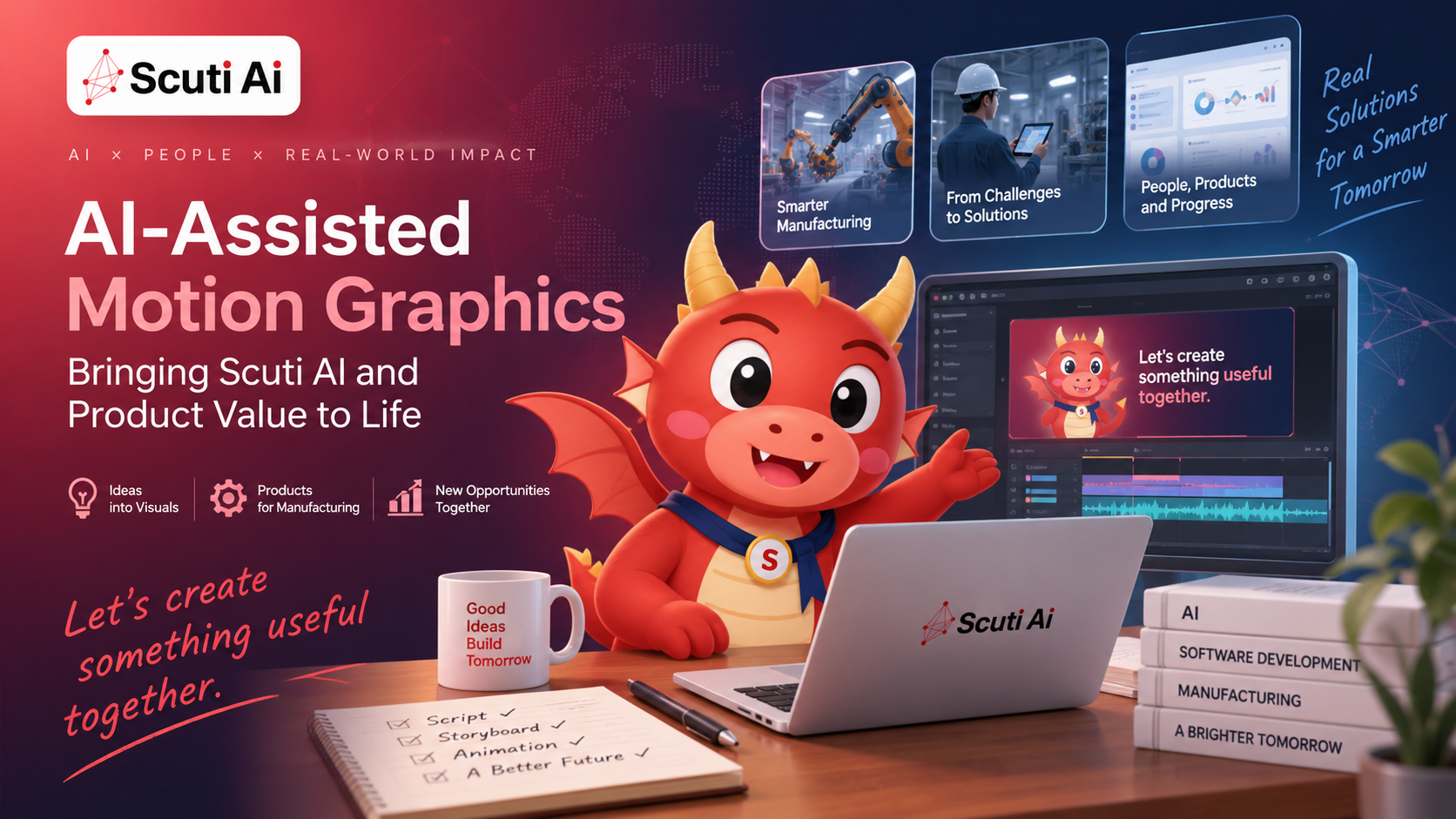
The closing scene brings together the red dragon, the Scuti AI logo, and a short invitation against a red-to-dark-navy background:
Let’s create something useful together.
This is the message we want the video to leave with viewers: technology matters when it helps address a real need. The mascot gives the introduction a friendly face, while the closing invitation connects it to a conversation about the viewer’s business.
AI-Assisted Motion Graphics: Tools and Workflow
The creative brief drew inspiration from this motion graphics reference. The Scuti AI implementation combined existing visual material with new narration and code-driven animation. It was not a process in which a single text prompt generated every frame of the finished video.
Production Tools
| Tools | Role |
|---|---|
| FFmpeg and whisper.cpp | Extract reference frames and audio from the supplied MP4, then transcribe the audio. |
| Python: NumPy, SciPy, and Pillow | Support the processing workflow, including preparing the dragon and its three mouth states. |
| macOS say, using Eddy | Convert the English company introduction script into narration. |
| Codex and Remotion | Create the video code and compose the character animation, subtitles, transitions, and logo in sync with the narration. |
| Docker and Chrome Headless Shell | Provide the rendering environment for the final MP4 with audio. |
Source Material and Audio Transcription
The workflow began with a supplied MP4. FFmpeg extracted still images at three-second intervals and separated the audio track. The audio was then transcribed with whisper.cpp, providing a text reference alongside the extracted images. Because the MP4 was supplied directly, no yt-dlp download step was involved.
Transcription and narration were separate tasks: whisper.cpp converted the source audio into text; it did not generate the new voice for the dragon.
Dragon Assets and Audio-Reactive Mouth Animation
Python was used to cut out the dragon from the source frames and prepare three visual states: mouth closed, half-open, and open. These prepared assets formed the basis of the speaking animation.
An English company introduction script was converted into speech using the macOS say command with the Eddy voice. The narration’s audio level then drove the dragon’s mouth movement. This is audio-reactive animation: the mouth responds to the volume of the voice rather than matching individual speech sounds. It creates a simple speaking effect, not precise, phoneme-based lip synchronization.
Video Composition and Final Rendering
Codex was used to create the Remotion video code. The composition combined the dragon, subtitles, scene transitions, and company logo, synchronizing the visual sequence with the narration. AI’s role here was to support the implementation of the composition, rather than generate an entirely new video from scratch.
The composition was rendered using Chrome Headless Shell inside Docker. The completed output was an MP4 containing both video and audio, saved as out/scuti-ai-promo.mp4.
The overall sequence was:
Source MP4 → frames and transcript → dragon assets → narration → synchronized composition → MP4 export.
From Company Introductions to Manufacturing Product Stories
The completed video introduces Scuti AI. The next opportunity is to apply this approach to the manufacturing products we develop. Rather than reuse a company introduction unchanged, each product video would need its own audience, business problem, and story.
A useful starting structure would be:
The workplace challenge → the product in use → the next action.
The following are potential applications, not product videos already delivered through this project.
Make Knowledge Search Concrete
iFactiS Knowledge is an AI knowledge management solution for manufacturing environments, supporting access to information in internal documents, manuals, and records of past troubleshooting.
A video could start with a familiar question about a piece of equipment, then show a demonstration of finding and checking relevant information. The emphasis would be on the user’s task and the information available to support it, rather than an abstract explanation of AI technology.
Show Document Processing as a Workflow
For a product involving forms or reports, a short sequence could show a document being imported, the resulting information being reviewed, and the confirmed content moving to the next step. Including the review stage would help explain the role of both the software and the person using it.
Explain Coordination Between People
For planning or progress-management scenarios, an animation could follow information from one role to another: a person updates a status, a colleague checks it, and the team decides what to do next. Any such scenario should reflect the actual capabilities of the product being introduced, with illustrative motion clearly distinguished from real interface behavior.
Applying the Format to Client Proposals and Daily Work
In my view, the most useful application is not producing more videos, but making recurring explanations easier to understand. I would start with one question that a client or colleague regularly asks, then build a short visual explanation around it.
In client proposals, I would use a video to introduce a business problem and an example workflow before moving into a discussion of the client’s requirements. It would support a conversation, not replace a detailed proposal or live demonstration. A concept video would also need to be clearly labeled so that a proposed solution is not mistaken for an existing product feature.
In daily work, the same approach could support new-feature explanations, operating instructions, or internal onboarding. My preference would be to preserve common elements, such as the logo treatment and subtitle layout, while adapting the content to the question each video needs to answer.
The code-based composition provides a starting point for that idea. Future iterations could reuse parts of the layout and animation, while replacing the script, voice, and product material. Reuse would still require new timing adjustments and a review of the final output; changing the words alone would not guarantee a finished video.
Keep Product Accuracy and Human Review at the Center
For public-facing product communication, attractive motion is only one part of the result. The content also needs to represent the company and its products accurately. Scripts should use confirmed product information, demonstrations should avoid exposing confidential data, and any claimed business improvement should be supported by evidence.
Before publication, narration and reused assets should be checked for the intended promotional use, alongside the applicable software licenses. The rendered video also needs a final playback review for pronunciation, audio clarity, subtitle timing, and readability. A successful export is not the same as a communication-ready result.
Connect Product Communication with Business Growth
For Scuti AI, the broader goal is to make our work easier to discover and understand. We would like to use video across product pages, sales materials, and other appropriate channels to introduce manufacturing solutions and open conversations with potential clients.
That is an intended direction, not a measured outcome of this video. As future videos are used, I would look beyond view counts to product-page visits, demonstration requests, and the questions raised in client conversations. Those signals could help identify which explanations are useful and which need improvement.
This project brings together two uses of AI: supporting the development of a visual explanation and helping communicate the value of software built for real work. The next step is to connect that production capability with specific product stories and the people who need to hear them.
Let’s Discuss Your Manufacturing Challenges
Looking to make better use of internal knowledge or improve a business workflow? Explore how Scuti AI’s software development and AI expertise could support your next project.