💡 Cursor 0.50 Just Dropped – Your AI-Powered Coding Assistant Just Got Smarter
TL;DR: With the release of Cursor 0.50, developers get access to request-based billing, background AI agents, smarter multi-file edits, and deeper workspace integration. Cursor is fast becoming the most capable AI coding tool for serious developers.
🚀 What Is Cursor?
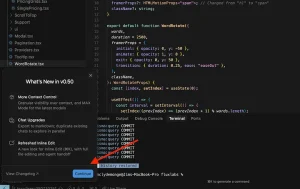
Cursor is an AI-native code editor built on top of VS Code, designed to let AI work with your code rather than next to it. With GPT-4 and Claude integrated deeply into its architecture, Cursor doesn’t just autocomplete — it edits, debugs, understands your full project, and runs background agents to help you move faster.
🔥 What’s New in Cursor 0.50?
💰 Request-Based Billing + Max Mode for All Models
Cursor now offers:
-
Transparent usage-based pricing — You only pay for requests you make.
-
Max Mode for all LLMs (GPT-4, Claude, etc.) — Access higher-quality reasoning per token.
This change empowers all users — from solo hackers to enterprise teams — to choose the right balance between cost and quality.
🤖 Background AI Agents (Yes, Parallel AI!)
One of the most powerful new features is background AI agents:
-
Agents run asynchronously and can take over tasks like bug fixing, PR writing, and large-scale refactoring.
-
You can now “send a task” to an agent, switch context, and return later — a huge leap in multitasking with AI.
Powered by the Multi-Context Project (MCP) framework, these agents can reference more of your codebase than ever before.
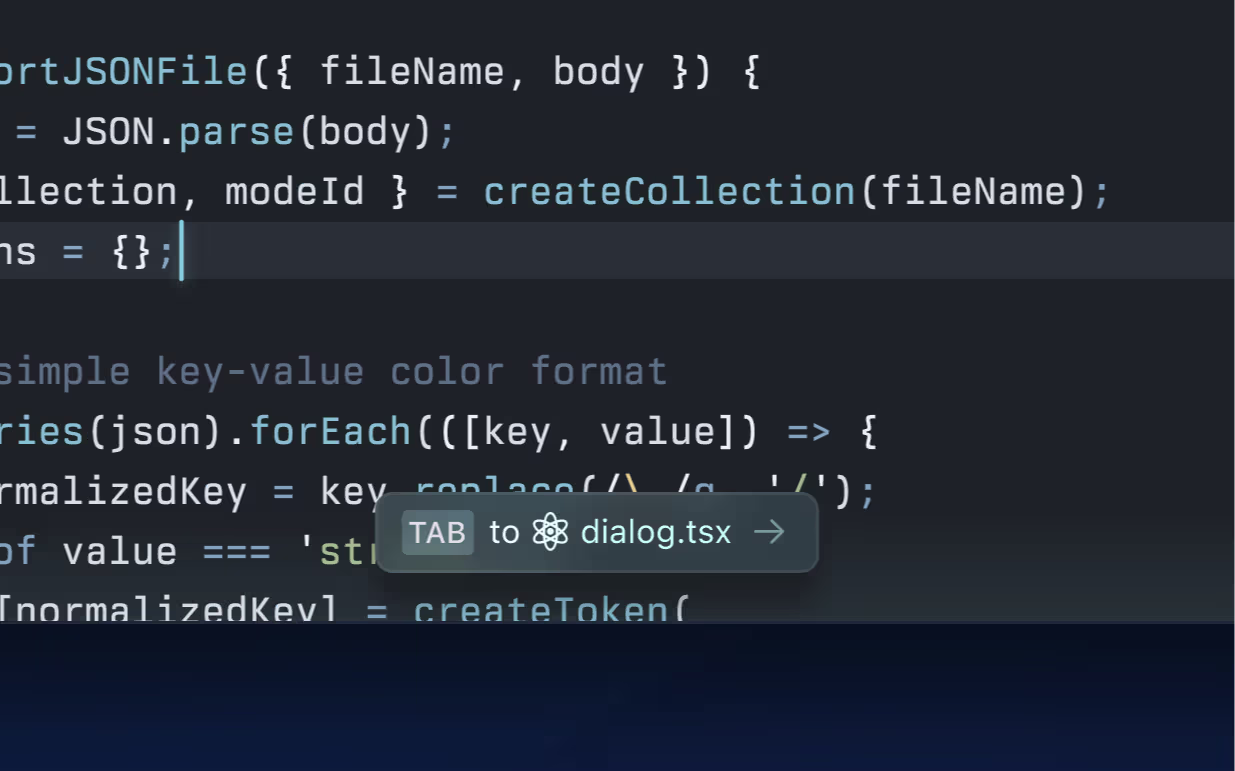
🧠 Tab Model v2: Smarter, Cross-File Edits
Cursor’s AI can now:
-
Suggest changes across multiple files — critical for large refactors.
-
Understand relationships between files (like components, hooks, or service layers).
-
Provide syntax-highlighted AI completions for better visual clarity.
🛠️ Redesigned Inline Edit Flow
Inline editing (Cmd/Ctrl+K) is now:
-
More intuitive, with options to edit the whole file (
⌘⇧⏎) or delegate to an agent (⌘L). -
Faster and scalable for large files (yes, even thousands of lines).
This bridges the gap between simple fixes and deep code transformations.
🗂️ Full-Project Context + Multi-Root Workspaces
Cursor now handles large, complex projects better than ever:
-
You can use
@foldersto add whole directories into the AI’s context. -
Multi-root workspace support means Cursor can understand and work across multiple codebases — essential for microservices and monorepos.
🧪 Real Use Cases (from the Community)
According to GenerativeAI.pub’s deep dive, developers are already using Cursor 0.50 to:
-
Let background agents auto-refactor legacy modules.
-
Draft PRs from diffs in seconds.
-
Inject whole folders into the AI context for more accurate suggestions.
It’s not just about faster code — it’s about working smarter with an AI assistant that gets the big picture.
📌 Final Thoughts
With Cursor 0.50, the future of pair programming isn’t just someone typing next to you — it’s an agent that can read, think, and refactor your code while you focus on building features. Whether you’re a solo developer or a CTO managing a team, this update is a must-try.
👉 Try it now at cursor.sh or read the full changelog here.
🏷 Suggested Tags for SEO:
#AIProgramming, #CursorEditor, #GPT4Dev, #AIAgents, #CodeRefactoring, #DeveloperTools, #VSCodeAI, #Productivity, #GenerativeAI