
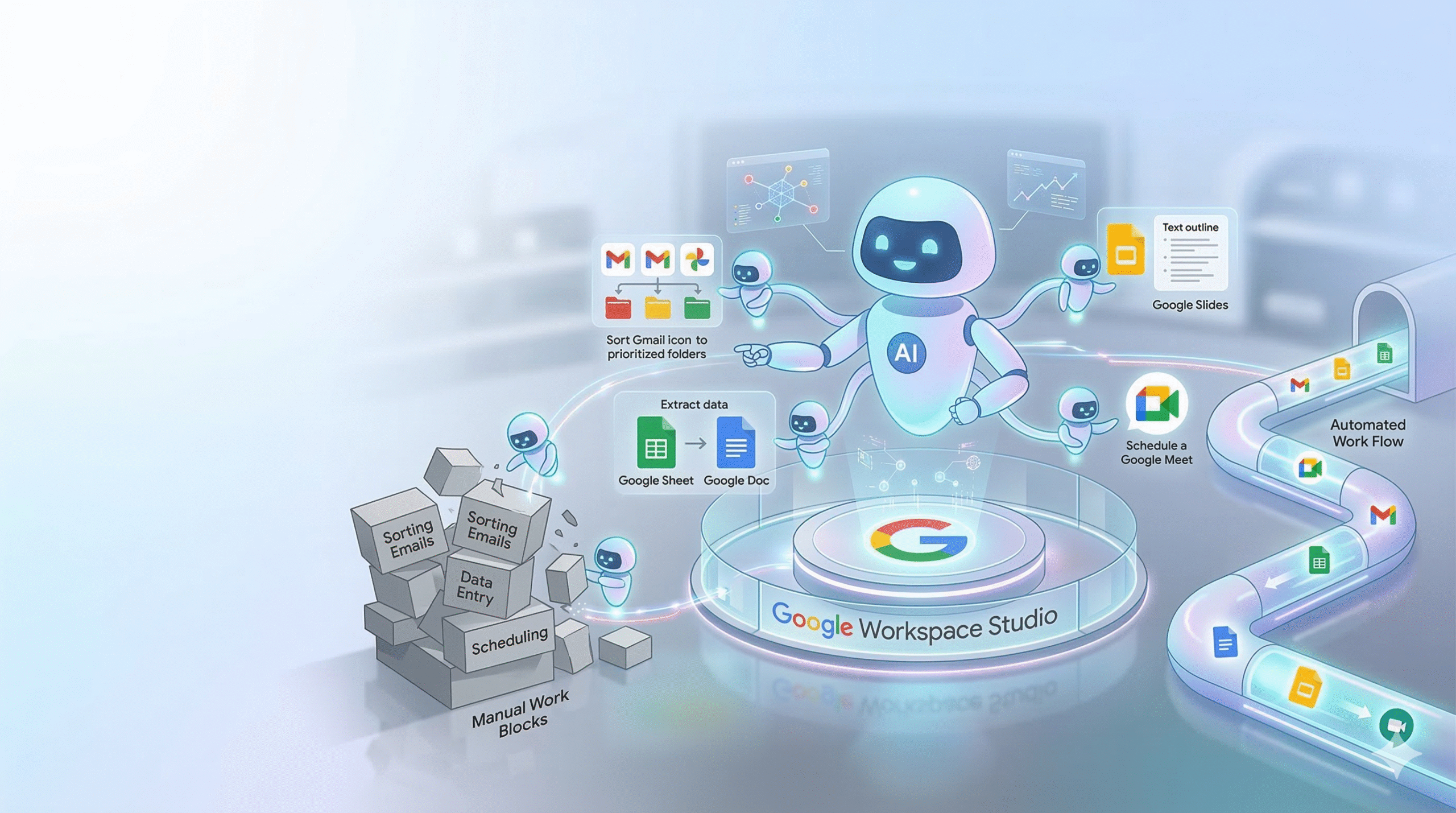
Google Workspace Studio: Free Your Workload with AI Agents (No Code Required)
Have you ever felt overwhelmed waking up to a flood of unread emails, or had to pause your coding flow just to jot down task requests from your manager into an Excel file? If you’re looking for a way to automate these repetitive tasks, then Google Workspace Studio might be exactly what you need. Today, I’ll walk you through everything you need to know about this powerful new automation tool from Google—along with two practical examples (from using ready-made templates to building your own from scratch) so you can start applying it right away.
I. What is Google Workspace Studio and how does it work?
Simply put, Google Workspace Studio is a platform that allows you to create “virtual assistants” (AI agents) that run in the background to automate workflows across Google apps (Gmail, Docs, Sheets, Drive, etc.)—without writing a single line of code. Its core strength lies in its built-in integration with Gemini, which enables it to understand and process data intelligently.
A workflow in Studio is made up of two main components:
– Steps: The actions the system performs automatically.
Example: Use AI to summarize content → Save to Google Sheets → Send a notification via Google Chat.
– Starter: The trigger that kicks off the workflow.
Example: At 8:00 AM every day, or when a new email arrives.
II. Quick Start: Summarize unread emails every morning with a template
If you’re just getting started, the fastest way to experience the power of Workspace Studio is by using pre-built templates. Let’s try setting up the workflow: “Get a daily summary of unread emails.“
Steps:
1. Go to Workspace Studio and switch to the Discover tab.
2. Search for and select the template “Get a daily summary of unread emails.”
3. Configure the Starter: Set your preferred schedule (e.g., 9:00 AM on weekdays).
4. Review the Steps:
– Step 1: Gemini scans your inbox for important unread emails and summarizes them.
– Step 2: The summary is sent directly to you via Google Chat.
Click Test to try it out, then hit Turn On.
That’s it! Instead of spending 30 minutes checking emails every morning, you’ll get a clean, concise summary delivered straight to your chat.
Video demo: https://youtu.be/9vkfNFqyts8
III. Build a workflow from scratch: Automate task management from your leader (for developers)
Templates are great for getting started. However, building your own workflow truly unlocks the full power of Workspace Studio. Here’s a practical use case that solves a common pain point for developers: automatically extracting tasks from your manager’s emails and logging them into a Google Sheets backlog.
Setup:
1. Starter (When a new email arrives):
– App: Gmail
– Condition: Filter by sender (e.g., [email protected])
2. Step 1 (AI processing):
– Action: Prompt Gemini (Summarize or extract data)
– Prompt: “Please act as a project assistant. Read the email content below. Summarize the main points briefly in 2 sentences, then bullet point the Action Items (specific tasks) that I need to do. Only return the summary and list of tasks..”
-Input: Insert the variable [Email Body] from the Starter
3. Step 2 (Save data):
– App: Google Sheets → Action: Add row
– Map variables into your “My Backlog Tasks” sheet:
Assigned Date: [Email Date and Time]
Sender: [Sender display name]
Requirement: [Content created by Gemini]
Message URL: https://mail.google.com/mail/u/0/#all/[Email thread ID]
4. Step 3 (Send notification via Google Chat – the final piece):
In other words, automation isn’t complete if you still need to manually check your Sheets.
Add one more step:
– App: Google Chat → Action: Notify me in chat
Message example:
” New task from your leader!
Summary: [Gemini output]
Sender: [Sender name]
The details have been added to your backlog file. Time to get to work! “
As a result, with this third step, every time your leader sends an email:
1. The workflow runs silently in the background
2. Gemini reads and summarizes it
3. The data is saved to Google Sheets
4. You get an instant notification in Google Chat
All you need to do is glance at the message and decide whether to jump in right away.
A smooth, efficient, and intelligent task management experience.
Video demo: https://youtu.be/XEHVqzUkIHw
Conclusion
Google Workspace Studio is truly a “small but mighty” tool.
By deeply integrating Gemini into the Google ecosystem, it enables workflows that are far more intelligent and context-aware compared to traditional rule-based automation tools.
So—are you ready to automate your repetitive tasks?
Give it a try, build your own workflow, and share your results in the comments!
Google Workspace:
Learn more about Google Workspace: https://workspace.google.com
Learn more about Gemini AI: https://deepmind.google/technologies/gemini/