
1. What is the frontend-design Skill?
The frontend-design Skill is designed to enhance Claude’s ability to generate well-structured, visually appealing frontend code.
When enabled, Claude focuses not only on functionality but also on:
- Layout hierarchy and spacing
- Typography and readability
- Consistent color usage
- Component-based structure
- Frontend best practices (semantic HTML, responsive design)
Official repository:
https://github.com/anthropics/claude-plugins-official
2. How the frontend-design Skill Works
Frontend-design is a design-thinking Skill, not a UI framework or component library.
When enabled, Claude focuses on design intent first, instead of just generating functional UI code.
Key characteristics:
-
Design-first mindset
Claude starts from user experience and visual intent, not from HTML/CSS structure. -
Strong, opinionated design choices
The Skill encourages committing to a clear visual direction instead of producing neutral or generic UI. -
Clear visual hierarchy and composition
Attention is given to spacing, alignment, rhythm, and content priority. -
Constraint-driven simplicity
Fewer elements, less complexity, but more confidence and clarity. -
Commitment over safety
Claude prefers a single, well-defined design rather than multiple cautious alternatives.
When is this most useful?
-
Rapid MVPs
-
Developers without a UI/UX background
-
AI-assisted prototyping
-
Early-stage product design
3. Installing frontend-design in Your Environment
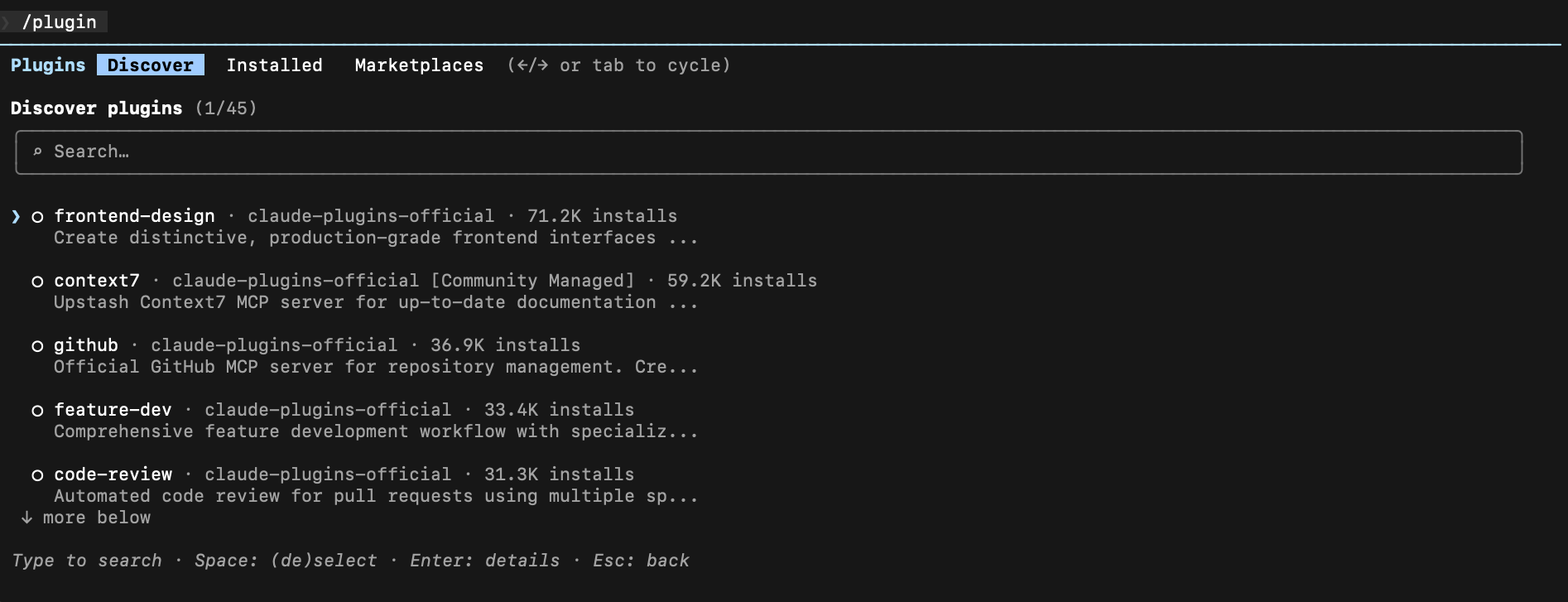
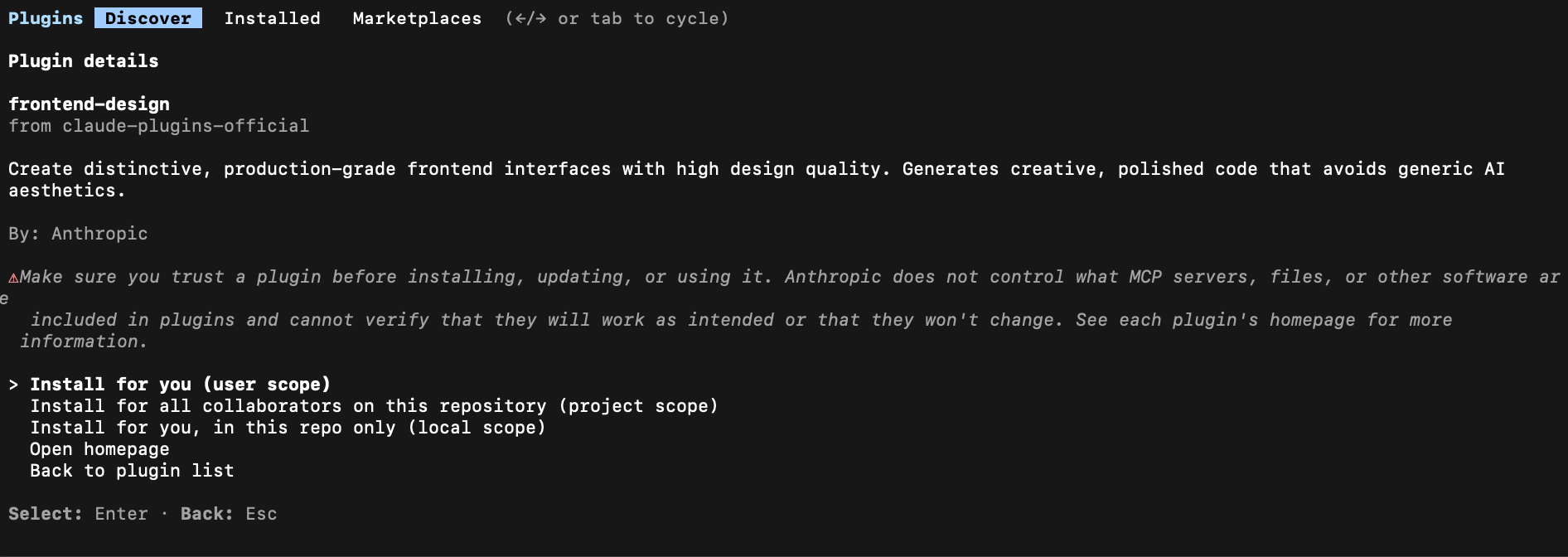
Log in to Claude Code via the terminal, then install the skill


4. Demo
4.1. With Design Skill
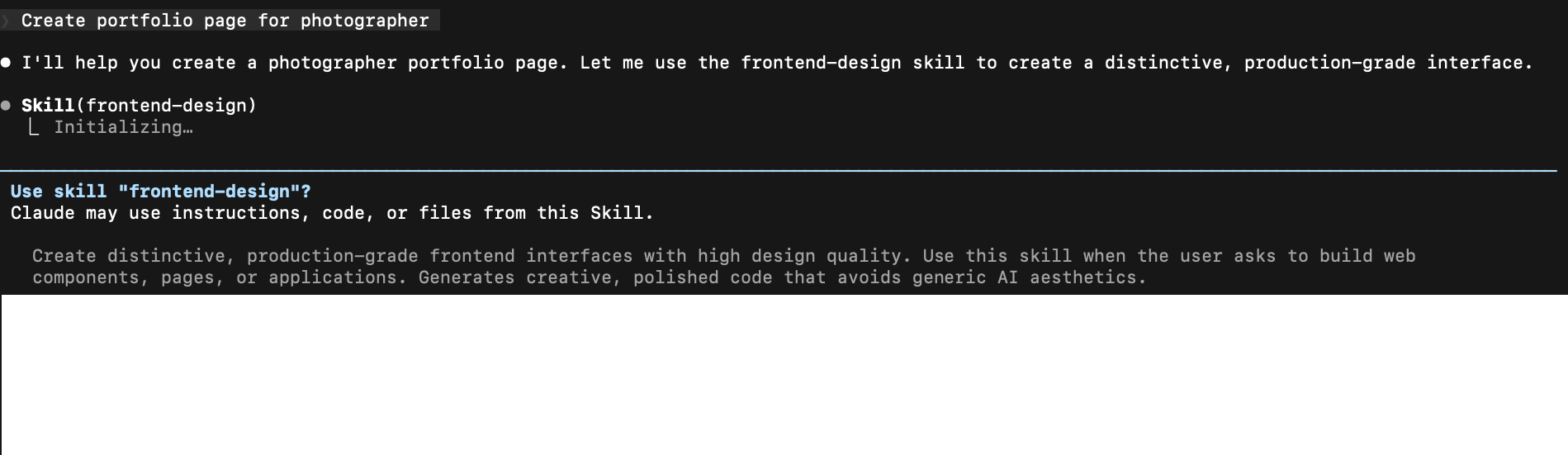
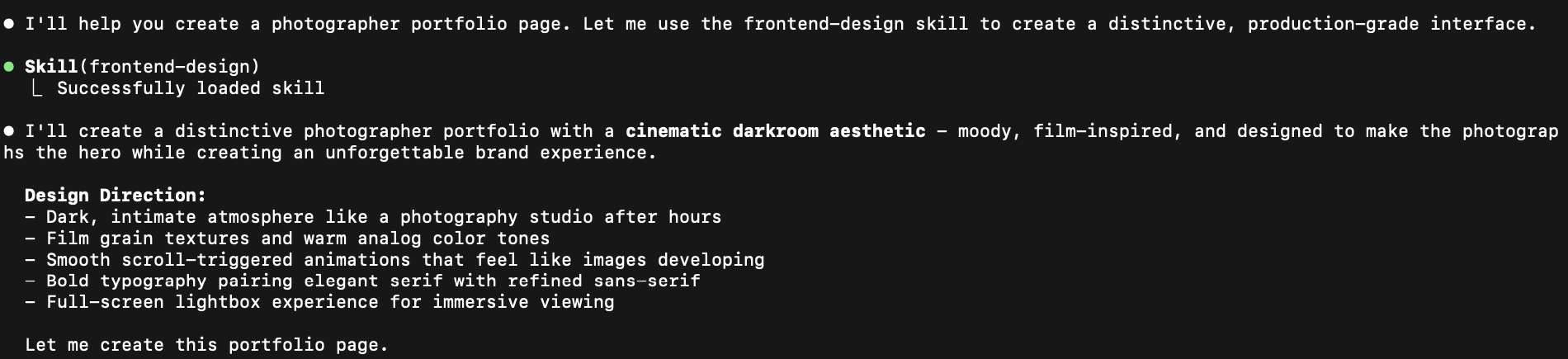
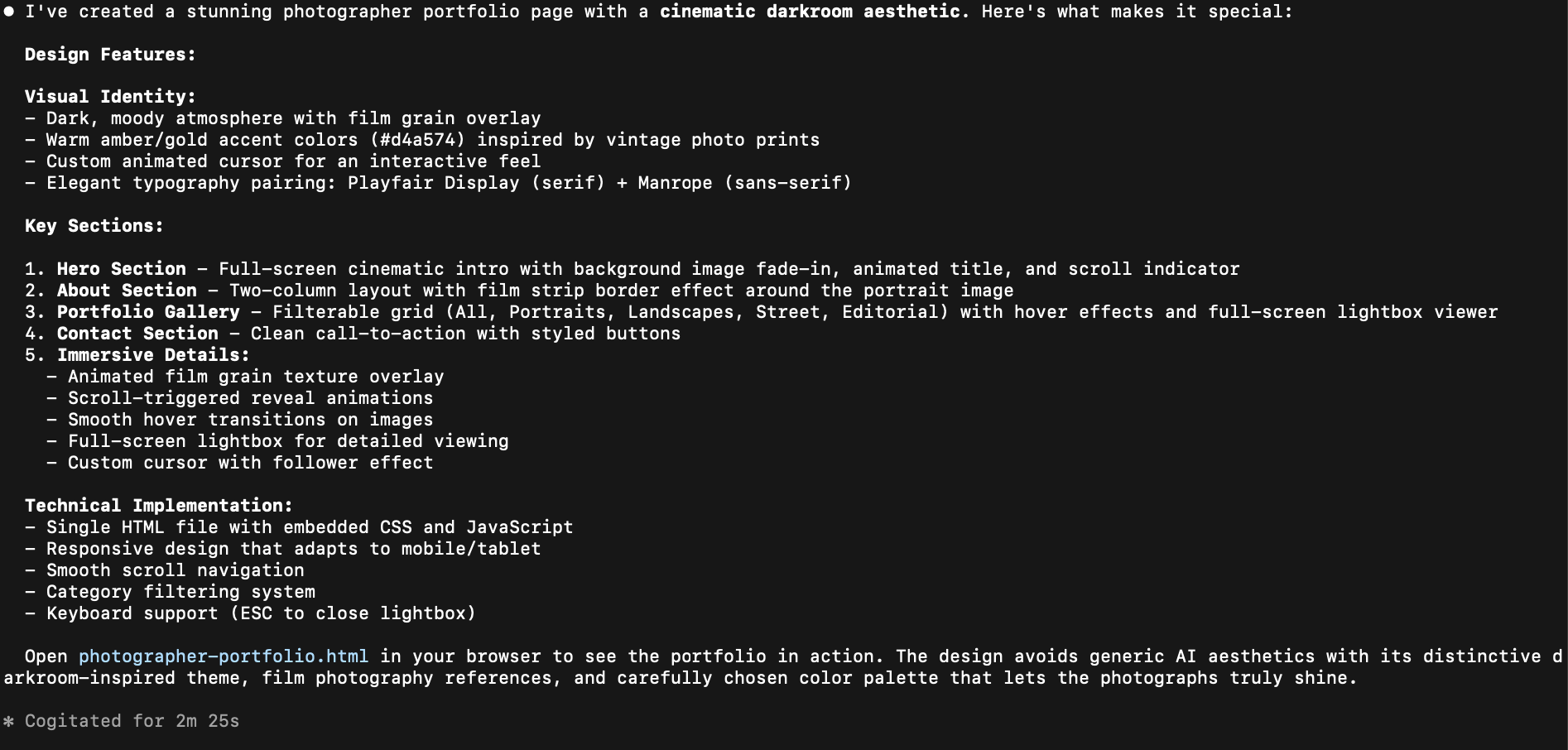
Portfolio photographer with design Skill
4.2. Without Design Skill
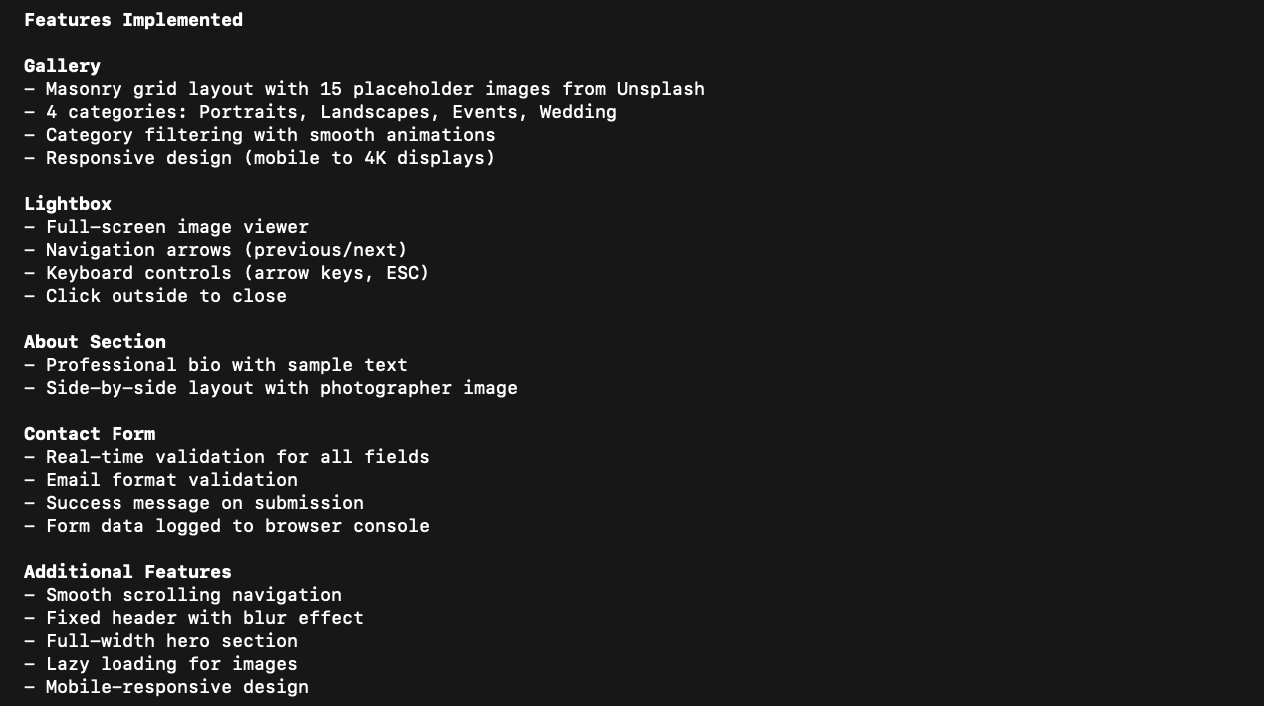
Portfolio photographer without design Skill
4.3. Comparison
- With Design Skill: More polished UI. Clear hierarchy, better spacing, and purposeful motion, giving a product-ready look.
- Without Design Skill: Baseline UI. The layout and typography are functional but generic, with limited visual hierarchy and design intent.